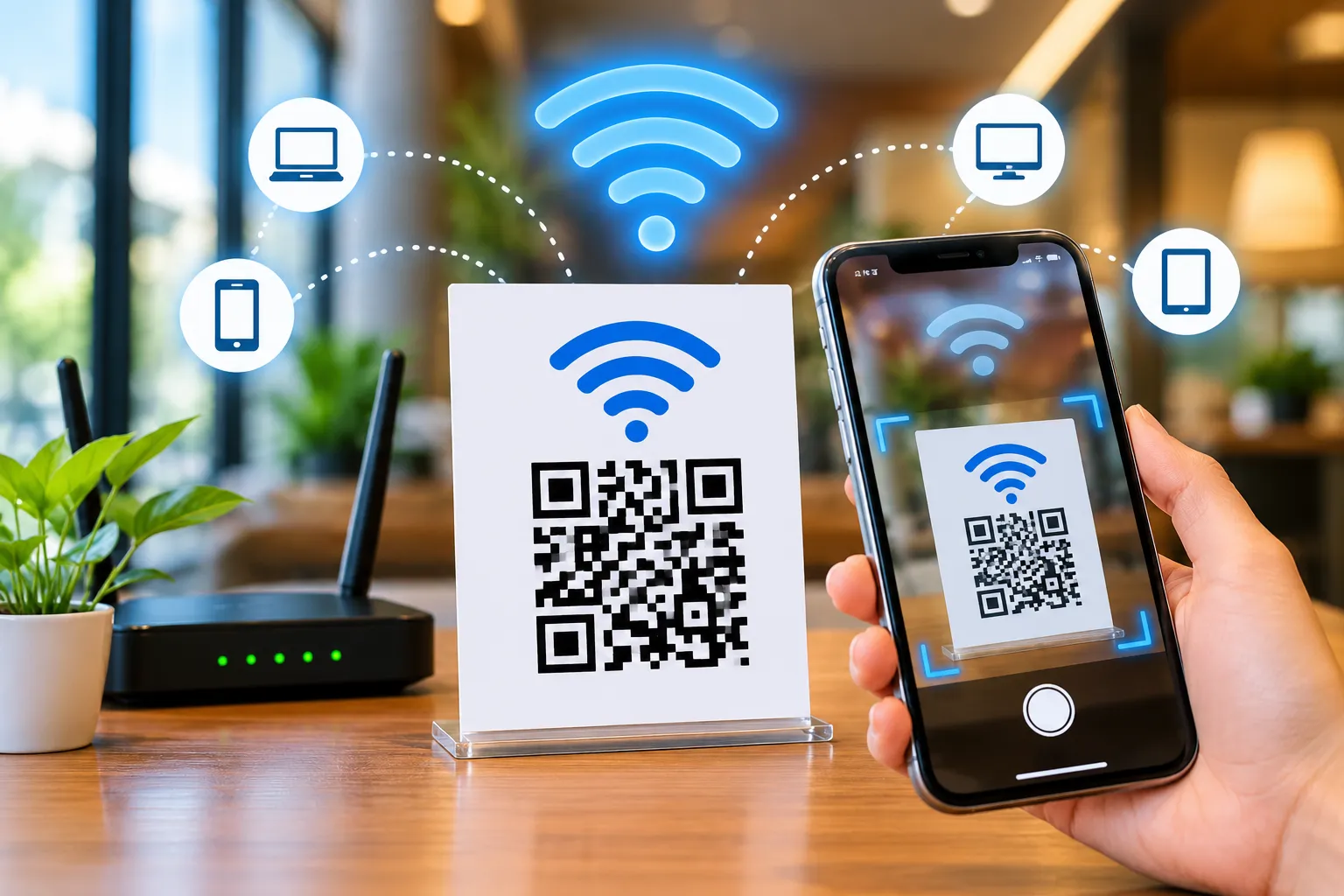
What Is a WiFi QR Code?
A WiFi QR code is a special QR code that contains your WiFi network credentials.
Instead of manually entering:
- WiFi Name (SSID)
- Security Type
- Password
Users simply scan the QR code and connect automatically.
This technology eliminates typing errors and makes network access much faster.
A qr code for wifi password works on most modern Android and iPhone devices.
Imagine this situation.
You have guests at home, customers in your cafe, visitors in your office, or travelers staying at your hotel. Whether it's a guest, customer, or visitor, one request comes up again and again:
"What's the WiFi password?"
You tell them.
They type it.
They make a mistake.
You repeat it again.
The process becomes frustrating for everyone.
Now imagine replacing all of that with a simple QR code.
The user opens their phone camera, scans the code, and instantly joins your WiFi network without typing a single character.
That's exactly what a WiFi QR Code Generator helps you do.
Today, WiFi QR codes have become one of the easiest and most convenient ways to share internet access. Whether you're a homeowner, business owner, restaurant manager, hotel operator, or office administrator, a WiFi QR code can simplify connectivity and improve the user experience.
In this complete guide, you'll learn everything about WiFi QR codes, how they work, their benefits, how to create one, and why businesses around the world are using them.
How Does a WiFi QR Code Work?
When you create a WiFi QR code, the QR code stores:
- Network Name (SSID)
- Encryption Type
- Password
- Hidden Network Settings (optional)
When someone scans the code using a wifi qr code scanner, their device reads the information and prompts them to connect.
From scanning the code to joining the network, the connection is typically completed within a few moments.
This is why businesses increasingly use wifi connection qr code solutions for customers and guests.
Why Use a WiFi QR Code?
There are several advantages to using a wifi password qr code.
1. Instant Connectivity
Users can connect immediately without typing long passwords.
2. Better User Experience
Customers appreciate convenience.
A simple scan creates a frictionless experience.
3. Fewer Password Errors
Complex passwords often cause connection issues.
QR codes eliminate typing mistakes completely.
4. Professional Appearance
Displaying a branded wifi qr code generator with logo design looks more professional than writing passwords on paper.
5. Contactless Sharing
Perfect for modern businesses that want contactless interactions.
Who Should Use WiFi QR Codes?
Almost everyone can benefit from a wifi share qr code.
Hotels
A hotel wifi qr code can be displayed:
- Reception desk
- Guest rooms
- Elevators
- Welcome cards
Guests connect instantly.
No need to call reception for passwords.
Restaurants
A restaurant wifi qr code helps customers connect while dining.
Benefits include:
- Better customer satisfaction
- Longer customer engagement
- Faster access
Cafes
Coffee shops frequently use guest wifi qr code displays on tables and counters.
Customers can connect within seconds.
Offices
An office wifi qr code reduces IT support requests and simplifies visitor onboarding.
Retail Stores
Stores often provide free internet access.
A QR code helps customers connect without assistance.
How to Create a WiFi QR Code
Creating a WiFi QR code is surprisingly simple.
Step 1
Open a trusted wifi qr code generator like FastQR.
Step 2
Enter your WiFi Network Name (SSID).
Step 3
Select Security Type.
Options usually include:
- WPA/WPA2
- WPA3
- WEP
- Open Network
Step 4
Enter your password.
Step 5
Generate your QR code.
Step 6
Download and print it.
That's it.
You now have a fully functional wifi network qr code.
Free WiFi QR Code Generator vs Paid Tools
Many people search for a free wifi qr code generator.
The good news is that most WiFi QR codes can be generated for free.
Free tools are ideal for:
- Home use
- Small businesses
- Restaurants
- Cafes
- Hotels
Paid solutions typically offer:
- Branding
- Team management
For most users, a wifi qr code generator free tool is more than enough.
WiFi QR Code Generator With Logo
Branding matters.
A wifi qr code generator with logo allows businesses to:
- Add company branding
- Increase trust
- Improve aesthetics
- Match business identity
Branded QR codes generally receive better engagement because users recognize the brand immediately.
How to Share WiFi With QR Code
One of the most common questions is:
How to Share WiFi With QR Code?
The process is simple.
- Generate the QR code.
- Save the image.
- Print or display it.
- Let users scan it.
That's all.
This method is much easier than verbally sharing passwords.
Many users specifically search for:
- how to share wifi with qr code
- how to share wifi qr code
- wifi share qr code
because it saves time and avoids confusion.
How to Get WiFi QR Code on Android
Android devices often include built-in WiFi sharing features.
To find your WiFi QR code:
- Open Settings
- Tap WiFi
- Select Connected Network
- Tap Share
The phone generates a QR code that others can scan.
Many users search:
how to get wifi qr code
because they don't realize Android already supports this feature.
WiFi Password Show QR Code Feature
Modern Android versions provide a built-in:
wifi password show qr code
option.
This feature allows:
- Easy password sharing
- Quick guest access
- Secure network onboarding
Instead of revealing passwords manually, users can scan the code.
Can You Get WiFi Password From QR Code Online?
Another popular search is:
get wifi password from qr code online
and
wifi password from qr code
If you own the network and have permission to access it, QR code readers can decode WiFi QR codes and display the stored credentials.
However, always respect privacy and network ownership rules.
Never attempt to access networks without authorization.
WiFi QR Code Scanner Online Free
Many users search for:
wifi qr code scanner online free
These tools help decode QR codes directly from uploaded images.
Common uses include:
- Recovering saved credentials
- Checking QR code contents
- Verifying generated QR codes
Always use trusted tools when uploading QR codes.
How to Scan a WiFi QR Code
Scanning is extremely easy.
On Android
Launch your phone's camera and position it so the QR code is clearly visible on the screen.
On iPhone
Open Camera and scan the QR code.
A connection prompt appears automatically.
Tap Connect.
You're online instantly.
Is a WiFi QR Code Safe?
Yes.
A properly generated wifi qr code is generally safe.
Best practices include:
- Use strong passwords
- Enable WPA2 or WPA3
- Create guest networks
- Update passwords periodically
Businesses should avoid sharing primary internal network credentials.
Instead, use dedicated guest WiFi.
WiFi QR Codes for Business Growth
Many businesses underestimate the value of fast internet access.
Providing instant connectivity can:
- Increase customer satisfaction
- Improve reviews
- Boost engagement
- Encourage repeat visits
A wifi qr code for business is one of the simplest upgrades any business can implement.
Best Places to Display Your WiFi QR Code
Consider placing your QR code:
- Reception desk
- Front entrance
- Customer tables
- Hotel rooms
- Waiting areas
- Meeting rooms
- Event booths
- Printed menus
- Business cards
Visibility increases usage.
Common Mistakes to Avoid
Incorrect Password
Always verify credentials before printing.
Low Resolution Images
Use high-quality downloads.
Tiny QR Codes
Make scanning easy.
Poor Placement
Keep QR codes visible.
Missing Branding
Businesses should consider branded QR codes.
Why FastQR Is a Great Choice
FastQR makes creating a wifi qr code generator free solution incredibly simple.
Benefits include:
- Fast generation
- Mobile-friendly interface
- Easy downloads
- Clean QR code output
- Suitable for homes and businesses
Whether you need a guest wifi qr code, hotel wifi qr code, restaurant wifi qr code, or office wifi qr code, FastQR helps you create one in seconds.
Conclusion
A WiFi QR code generator is one of the easiest tools for simplifying internet access.
Instead of sharing complicated passwords repeatedly, you can allow users to connect instantly with a simple scan.
From homes and offices to hotels, cafes, restaurants, and retail stores, WiFi QR codes improve convenience, reduce support requests, and create a better user experience.
If you're looking for a fast and reliable solution, create your WiFi QR code today with FastQR and start sharing your network the smarter way.
FAQ Section
1. What exactly does a WiFi QR code do?
A WiFi QR code acts like a digital shortcut to your wireless network. Instead of manually entering the network name and password, users can scan the code and connect to the WiFi connection in just a few taps.
2. Do I need technical skills to create a WiFi QR code?
Not at all. Most WiFi QR code generator tools only require three details: your WiFi network name (SSID), security type, and password. Once entered, the QR code is generated automatically and ready to download.
3. Can I generate a WiFi QR code without paying?
Yes. A free WiFi QR code generator can create a scannable code for your network at no cost. This makes it a practical solution for homes, offices, cafes, restaurants, hotels, and events.
4. Why are businesses using WiFi QR codes instead of sharing passwords?
Businesses prefer QR-based WiFi access because it improves customer convenience. Guests can connect instantly without asking staff for login details, reducing support requests and creating a smoother experience.
5. Is using a WiFi QR code secure?
A WiFi QR code itself is simply a method of sharing access information. Security depends on your network settings. Using WPA2 or WPA3 encryption and a strong password helps keep your network protected while still offering easy access to authorized users.
6. How can visitors connect to my WiFi using a QR code?
Visitors simply open their smartphone camera, point it at the QR code, and follow the connection prompt that appears on the screen. In most cases, the device handles the setup automatically.
7. Can I customize my WiFi QR code with my company logo?
Yes. Many modern QR code platforms allow businesses to add logos, brand colors, and custom styling. A branded WiFi QR code can look more professional and match your business identity.
8. Where should I place a WiFi QR code for maximum usage?
For the best results, display the code where people naturally look for information. Common locations include reception desks, hotel rooms, restaurant tables, office meeting rooms, event booths, waiting areas, and customer counters.
9. Can a WiFi QR code work for guest networks?
Absolutely. Many businesses create a separate guest network and generate a dedicated guest WiFi QR code. This keeps internal systems isolated while providing visitors with convenient internet access.
10. What happens if I change my WiFi password after creating the QR code?
If the network password changes, the existing QR code will no longer connect users correctly. You'll need to generate a new WiFi QR code using the updated credentials and replace the old version.
11. Can I view WiFi information stored inside a QR code?
If you have permission to access the network, certain QR code reader tools can display the encoded WiFi details. This can be useful when verifying information or checking saved network credentials.