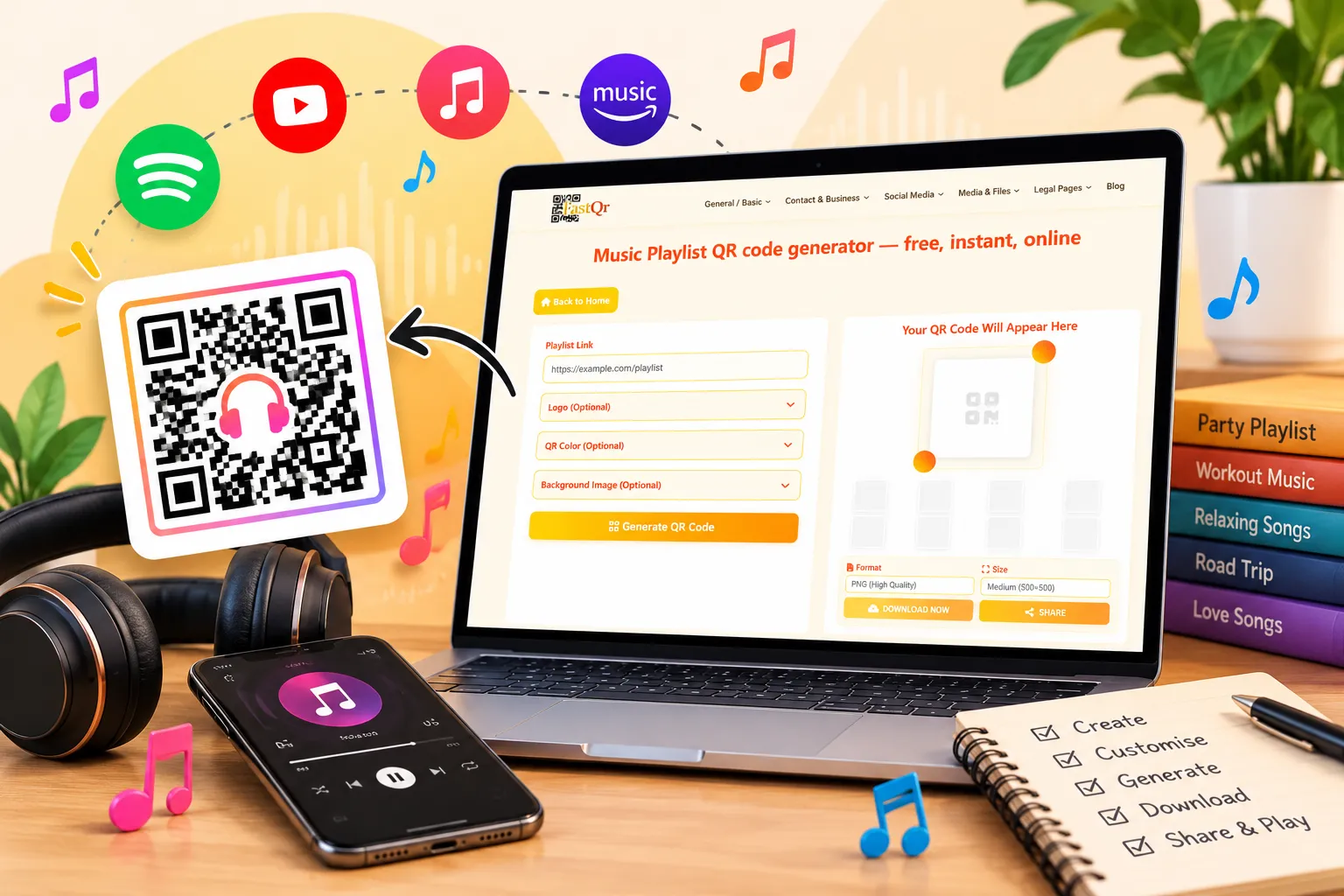
Want to share your favourite songs without sending long links to everyone? A music playlist QR code generator makes it easier to share music with friends, guests, customers, or event attendees. Instead of typing a web address, people can scan a QR code with their smartphone and open the linked music page.
With FastQR.in, you can turn a supported playlist URL into a QR code that people can scan to open the linked music page. This guide walks you through the process, explains how to share playlist links from popular music services, and shows you what to check before printing or distributing your code.
In this guide, you will learn how to create a QR code for a music playlist, share links from services such as Spotify, Apple Music, and YouTube Music where supported, and avoid common scanning problems.
What Is a Music Playlist QR Code?
A music playlist QR code is a scannable pattern that directs someone to a playlist link or another music-related web page. QR stands for Quick Response, and the technology allows smartphones to read information without requiring users to type a URL manually.
For example, if you have created a playlist for a birthday party, you can turn its share link into a QR code and place it on an invitation or welcome sign. Guests can scan the code and open the playlist, subject to the music service's access requirements.
A standard URL-based QR code does not contain the actual songs. It stores the destination link, so the playlist must remain available for the code to keep serving its purpose.
How to Create a QR Code for a Music Playlist Using FastQR.in
Creating a playlist QR code is a straightforward process. Before starting, make sure you have the correct playlist link and that it can be shared with your intended audience.
Step 1: Choose your playlist
Select the collection of songs you want people to discover. It could be a wedding playlist, a collection of workout tracks, or a list of favourite songs for a road trip.
Check the playlist's visibility settings if you want people outside your account to access it.
Step 2: Copy the playlist link
Open your music service and use its sharing option to copy the playlist URL. Make sure you copy the playlist link rather than a link to an individual song or an unrelated search result.
Step 3: Open the FastQR playlist generator
Visit the FastQR Music Playlist QR Code Generator and enter your playlist URL in the appropriate field.
Check the address before generating the code. Choose the exact playlist link you want your audience to access when they scan the QR code.
Step 4: Customise the design
If the available options suit your project, customise the QR code with suitable colours or a logo. For example, you might match the design to a wedding invitation, business identity, or event poster.
Keep the pattern easy to scan. A dark code on a light background, with sufficient blank space around it, is a sensible starting point.
Step 5: Generate and download the code
Generate your QR code and download the image using the available options. Save an original copy so you can reuse it in your digital or printed designs.
Step 6: Test before sharing
Scan the downloaded image with a smartphone and confirm that it opens the intended playlist. If possible, test it on another device to check whether the destination is accessible outside your own account.
A quick test can help you catch an incorrect link before printing invitations or distributing posters.
How to Create a Free QR Code for Music
Before creating your music playlist QR code, check the available features and usage conditions on FastQR.in. Confirm whether generating, customising, and downloading the code are available without charge.
Remember that creating a QR code and accessing the music are separate things. Listeners may still need a compatible app, an account, or an eligible subscription to open or play certain content.
Spotify Playlist QR Code
To create a QR code for a Spotify playlist, open the playlist in Spotify and copy its share link. Enter the URL into a QR code generator that accepts the link, then test the generated code to confirm that it opens the intended destination.
A standard QR code containing a Spotify URL is different from Spotify's official Spotify Codes feature. Both can help people discover music, but they work differently.
Where Can You Use a Music Playlist QR Code?
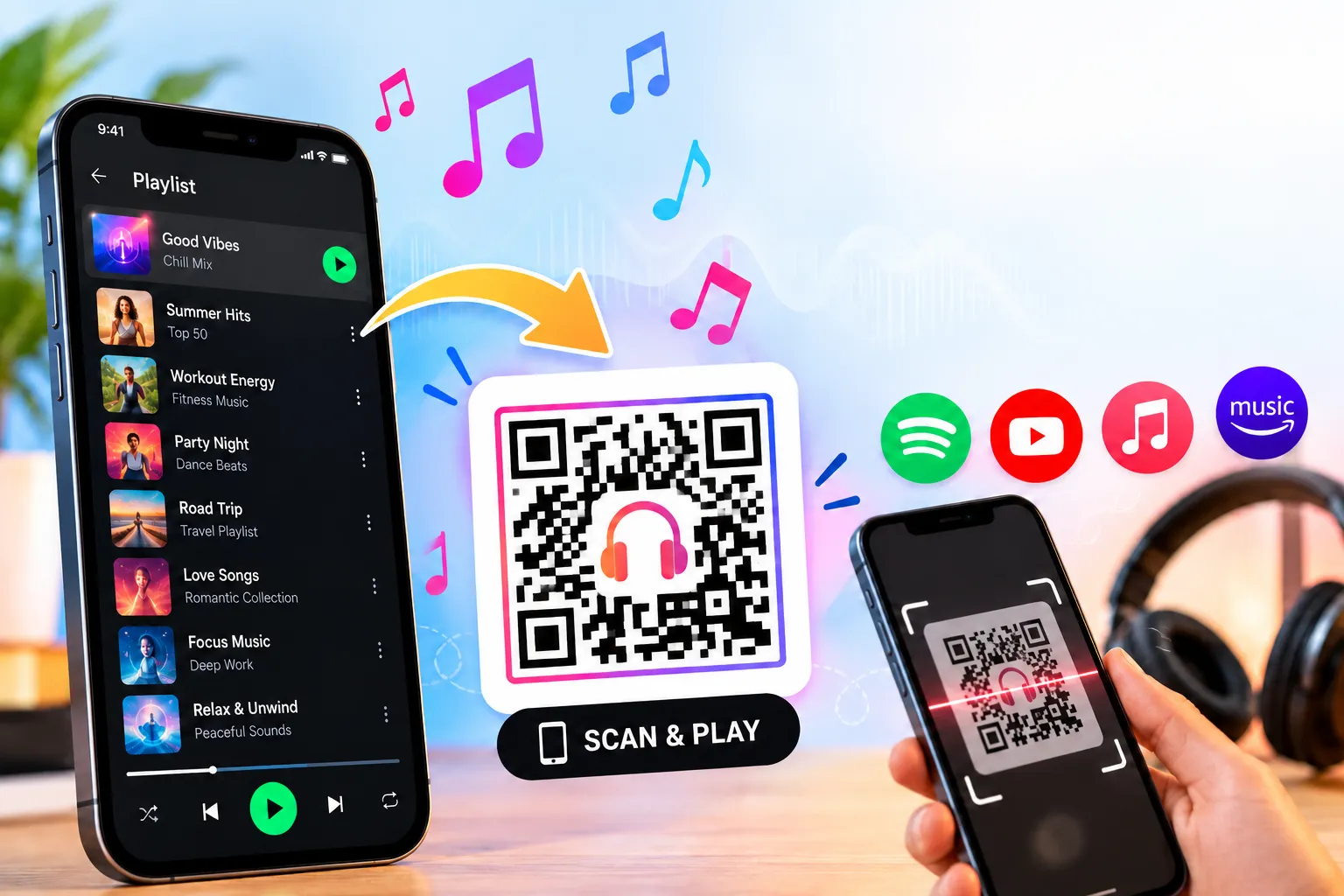
A playlist QR code can connect printed material with an online music collection. Here are eight practical ways to use one.
1. Weddings and Invitations
Add a playlist QR code to wedding invitations, welcome signs, or table cards. Couples can share songs that are meaningful to them or create a collection for the reception.
Include a short label such as “Scan to explore our playlist” so guests know what they will find.
2. Parties and celebrations
A QR code for a party music playlist gives guests an easy way to find the collection selected for the event. Place it on a welcome sign, digital invitation, or card near the music area.
3. DJs and music events
DJs can use a playlist QR code on posters, business cards, and event programmes to share selected tracks or direct listeners to a public music collection.
Check that the destination can be shared publicly and that any promotional use follows the relevant platform's terms.
4. Restaurants, cafés, and shops
A restaurant music playlist QR code can direct customers to a curated collection that suits the atmosphere of a venue. A café might share a relaxed playlist, while a retail shop might use music as part of a seasonal campaign.
Keep the code separate from essential information such as prices, ordering instructions, and safety notices.
5. Gyms and workout sessions
Trainers can share a QR code for a gym workout playlist on noticeboards or class handouts. Members can scan the code and open the collection on their own devices.
Check access requirements before relying on the playlist during a scheduled session.
6. Road trips and travel
Add a QR code for a road trip playlist to a travel itinerary or group trip guide. Passengers can access the collection before departure.
Drivers should arrange access before travelling and never scan a code or handle a phone while driving.
7. Classrooms and learning activities
Teachers can use playlist QR codes to share listening exercises, instrumental music, or other appropriate audio material. Check the destination and privacy settings before distributing codes to students.
8. Concerts and festivals
A QR code for a music event can direct attendees to an artist's playlist or a collection related to the performance. Place it on event programmes, posters, or information boards.
Describe the destination accurately and avoid promising exclusive content unless it is actually available.
How to Make Your Music QR Code Easy to Scan
A decorative design is useful only if people can scan it. Before sharing your music QR code, check these details:
Use the correct URL: Confirm that the link opens the intended playlist.
Choose strong contrast: A dark pattern on a light background is generally a safe option.
Leave blank space: Keep a clear border around the code.
Choose a suitable size: Make the code large enough for the expected scanning distance.
Limit decoration: Logos and backgrounds should not obscure the pattern.
Test the final image: Scan the downloaded file, not just the generator's preview.
Check printed copies: Test a physical sample before printing a large batch.
If a code does not scan, try a simpler design with better contrast. If it scans but opens the wrong page, check the original URL instead.
Can a Music Playlist QR Code Stop Working Over Time?
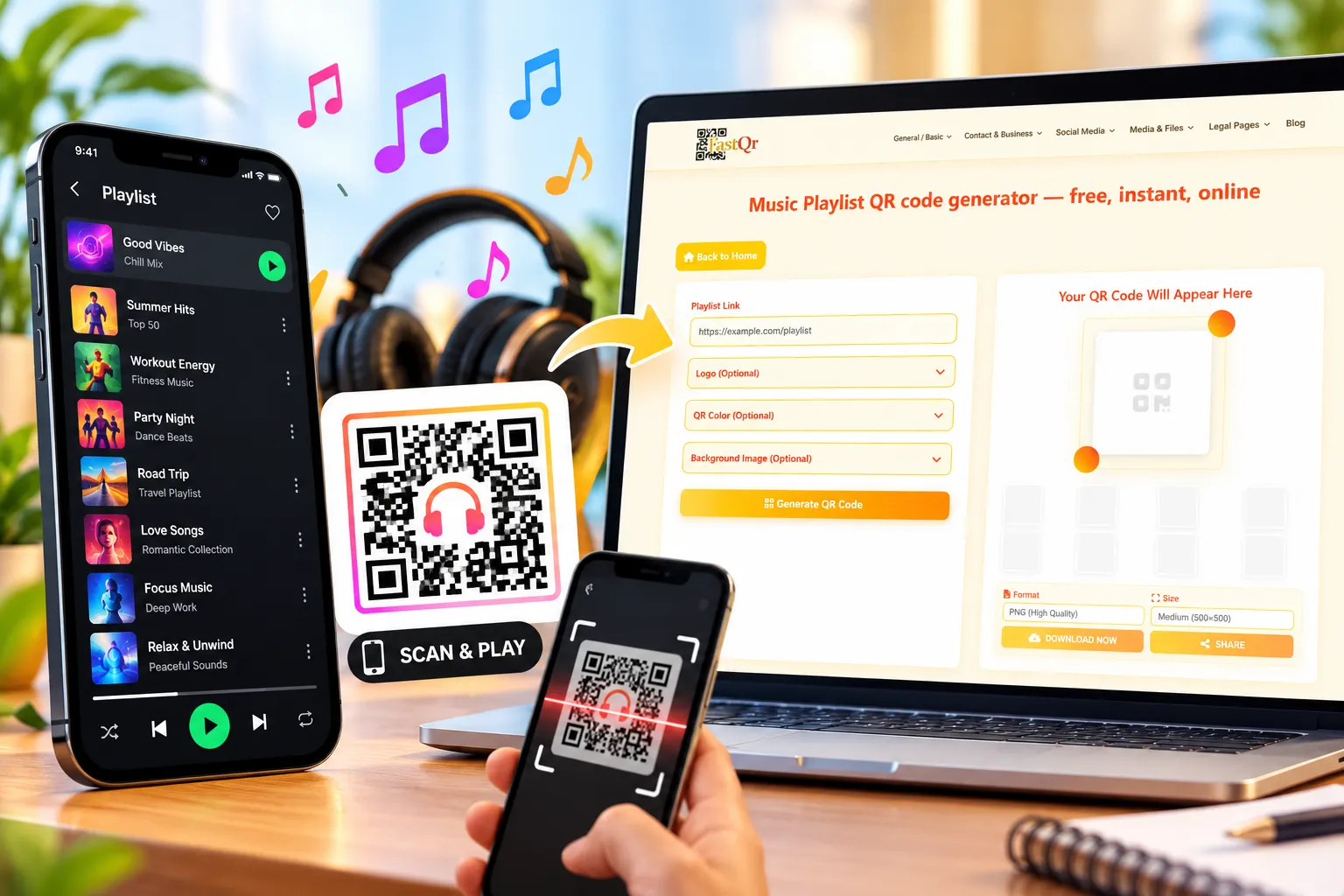
A static QR code generally continues to encode the same information, but its destination link may stop working if the playlist is deleted, made private, or moved.
An editable or dynamic QR code may allow its destination to be changed without replacing the printed code, depending on the provider's service. It may also depend on an account or subscription.
Before printing invitations or posters, check whether your QR code is static or dynamic and whether the destination can be changed later. Do not assume that every generator supports editable links.
Common Music QR Code Problems and Their Solutions
The code will not scan: Check its size, contrast, print quality, and clear space around the pattern. Try generating a simpler design.
The wrong song opens: Copy the playlist's share URL again. You may have used a link to an individual track instead of the full playlist.
The playlist asks listeners to sign in: Open the playlist link in a private browser window or on a device that is not signed in to your account. Check whether the music service requires authentication or restricts access. If the playlist is intended for public sharing, review its visibility settings and test the link again.
The printed code does not work: Test the physical print, rather than relying on the digital preview. Check whether the pattern is too small or has become blurred.
The playlist link is broken: Open the URL directly. If the playlist has been deleted or made private, correct the destination and generate a replacement code if necessary.
Remember that sharing a playlist link is different from redistributing copyrighted audio. Use authorised links and follow the applicable music service's terms.
Create a Music Playlist QR Code with FastQR.in
A playlist QR code can make it easier to share music at weddings, parties, fitness sessions, and other events. Start with a playlist link your audience can access, generate the code, and test the downloaded image before printing it.
Visit the FastQR Music Playlist QR Code Generator to get started.
Before sharing: Confirm that the code opens the correct playlist and that your intended audience can access it.
Frequently Asked Questions
1. What is a music playlist QR code generator?
It is a tool that converts a playlist URL into a scannable QR code. Scanning the code opens the linked music page.
2. How do I create a QR code for a music playlist?
Copy the playlist's share link, paste it into a compatible generator, create the code, and download the image. Test it before sharing.
3. Is FastQR a free music playlist QR code generator?
FastQR provides a playlist QR code generation workflow. Check the live tool page for current features, download options, and usage conditions.
4. Can I make a Spotify playlist QR code?
Yes. A standard QR code can contain a shareable Spotify playlist URL. Test the destination before distributing it.
5. Can I create an Apple Music playlist QR code?
Yes, if you have a suitable shareable Apple Music playlist link accepted by the generator.
6. Can I create a YouTube Music playlist QR code?
Yes, if the generator accepts the playlist URL and the destination remains accessible to your audience.
7. Does scanning a music QR code automatically play a song?
Not necessarily. Scanning normally opens the linked page or app. Playback may require another tap or an account.
8. Do music playlist QR codes expire?
A static QR code does not normally expire by itself, but its destination link may stop working or become restricted.
9. Can I print a playlist QR code on a wedding invitation?
Yes. Use a clear, appropriately sized code and test the printed version before distributing invitations.
10. Can a QR code transfer a Spotify playlist to Apple Music?
A QR code only directs users to a link. To transfer actual playlist data, you’ll need a separate transfer method or compatible service.
11. Can I use a playlist QR code for business promotion?
Yes. DJs, cafés, gyms, retailers, and event organisers can share suitable music collections through QR codes, subject to relevant terms and copyright requirements.
12. Can I customise my music playlist QR code?
Customisation depends on the generator's available features. Check FastQR's current options and test the final design for readability.