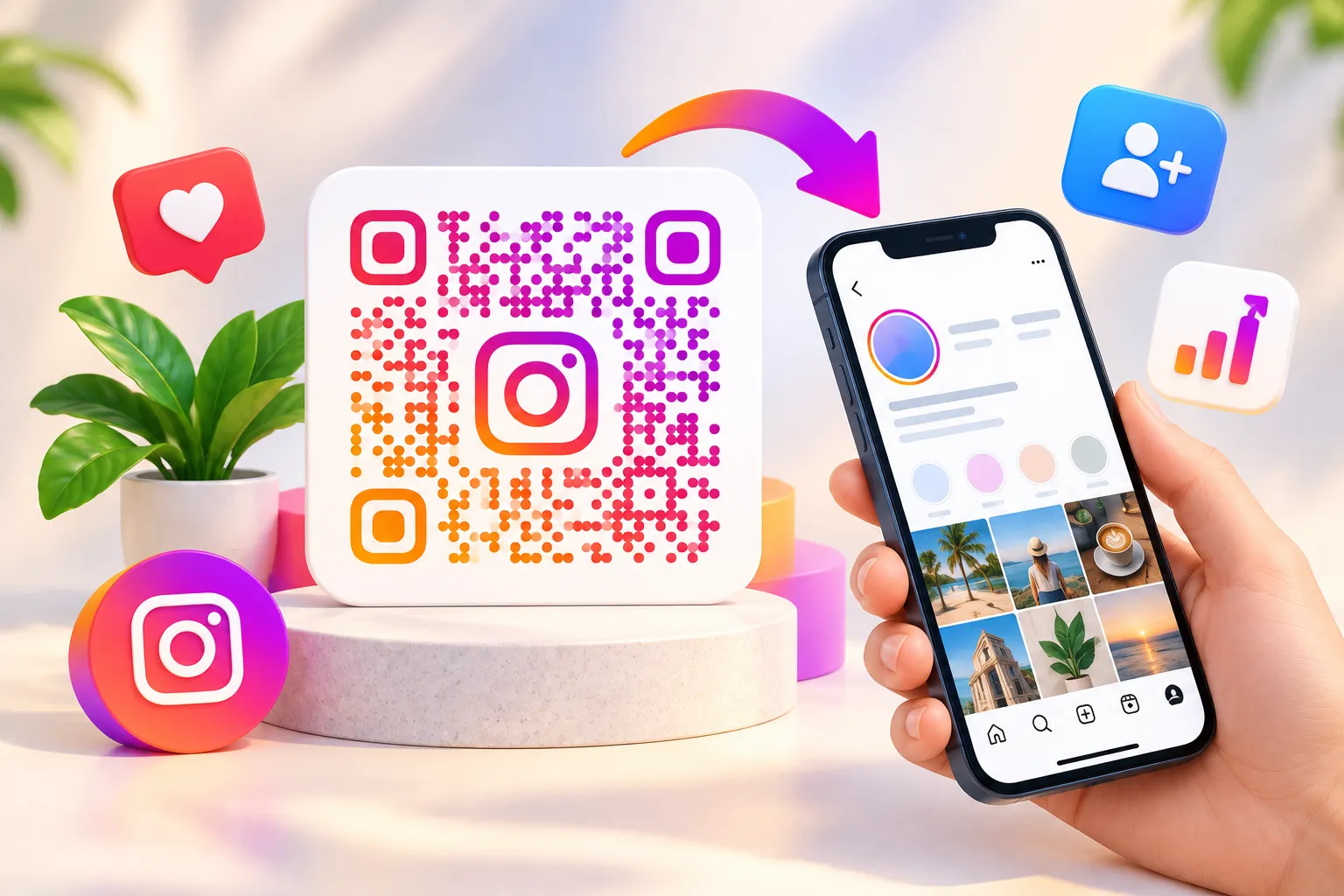
Instagram has evolved into a leading social platform where creators, entrepreneurs, influencers, and brands connect with audiences, build communities, and grow their online presence. As competition grows, people are constantly looking for faster ways to connect with audiences and increase followers. One of the simplest yet most effective tools available today is the Instagram QR Code.
Instead of asking people to search for your username manually, you can provide a quick-scanning solution that instantly directs users to your profile, post, reel, product page, or business account. Whether you're a small business owner, restaurant manager, event organizer, influencer, or digital marketer, using a QR Code for Instagram can significantly improve engagement and follower growth.
In this comprehensive guide, you'll learn:
- What an Instagram QR Code is
- How to create an Instagram QR Code
- How Instagram QR Codes work
- Best marketing strategies
- Business use cases
- QR Code design tips
- Instagram QR Code vs traditional links
- Frequently asked questions
Let's dive in.
What is an Instagram QR Code?
An Instagram QR Code is a scannable code that instantly opens an Instagram profile, post, reel, story, or business page when scanned using a smartphone camera.
Rather than typing usernames manually, users simply scan the code and arrive directly at the intended Instagram destination.
A QR Code for Instagram helps:
- Increase followers
- Improve profile visibility
- Simplify customer interactions
- Enhance offline marketing campaigns
- Boost social media engagement
Businesses frequently use Instagram QR Codes on:
- Business cards
- Product packaging
- Flyers
- Restaurant menus
- Event banners
- Posters
- Storefront displays
How Does an Instagram QR Code Work?
The process is simple:
- Enter your Instagram profile URL.
- Generate the QR Code.
- Download the QR Code.
- Share it online or print it.
- Users scan the code.
- Instagram profile opens instantly.
This removes friction from the follower acquisition process and improves conversion rates.
How to Create Instagram QR Code
If you're wondering how to create Instagram QR Code, follow these simple steps:
Step 1: Copy Your Instagram Profile Link
Open Instagram and copy your profile URL.
Example:
https://instagram.com/yourusername
Step 2: Visit FastQR
Use a reliable Instagram QR Code Generator such as FastQR.
Step 3: Paste Your Instagram URL
Enter the profile link into the QR Code Generator.
Step 4: Customize the QR Code
You can:
- Change colors
- Add logo
- Select QR pattern
- Add branding elements
- Customize frame text
Step 5: Generate and Download
Click Generate.
Your Instagram QR Code is now ready to share.
How to Get Instagram QR Code Directly from Instagram
Many users search:
- how to get instagram qr code
- where is instagram qr code located
Instagram offers a built-in QR feature.
On Android or iPhone
- Open Instagram.
- Go to Profile.
- Tap Menu.
- Select QR Code.
- Customize the design.
- Save or share.
However, Instagram's built-in version offers limited customization.
A dedicated Instagram QR Code Generator Free tool provides greater flexibility.
Why Use an Instagram QR Code Generator?
A professional Instagram QR Code Generator offers benefits beyond Instagram's native feature.
Advanced Customization
Create:
- Branded QR Codes
- Custom colors
- Logo integration
- Marketing-focused designs
Marketing Flexibility
Use QR Codes for:
- Instagram profiles
- Reels
- Posts
- Stories
- Product promotions
Instagram QR Code Generator With Logo Free
Brand recognition matters.
Using an Instagram QR Code Generator with Logo Free allows businesses to:
- Add company logos
- Improve trust
- Increase scan rates
- Strengthen branding
Research consistently shows branded QR Codes receive higher engagement compared to generic black-and-white QR Codes.
Instagram QR Code Generator Free vs Paid Tools
Free QR Code Generator
Best for:
- Personal accounts
- Influencers
- Students
- Small creators
Features:
- Unlimited static QR Codes
- Quick generation
- Basic customization
Premium Solutions
Best for:
- Businesses
- Agencies
- Marketing teams
Features:
- Analytics
- Editable URLs
- Scan tracking
- Campaign management
Instagram QR Code for Business
Businesses increasingly use Instagram QR Code for Business campaigns.
Examples include:
Restaurants
Place QR Codes on:
- Menus
- Tables
- Receipts
Customers can instantly follow your restaurant page.
Retail Stores
Use QR Codes on:
- Shopping bags
- Product labels
- Display stands
Real Estate
Agents can connect prospects directly to:
- Property reels
- Instagram portfolios
- Client testimonials
Salons and Spas
Display QR Codes near reception areas to encourage customer engagement.
QR Code for Instagram Marketing
An Instagram Marketing QR Code bridges offline and online marketing.
Benefits
Increase Followers
Users can follow with one tap.
Improve Brand Awareness
Printed materials become social growth tools.
Boost Engagement
Drive traffic to:
- Reels
- Stories
- Product launches
Real Examples of Instagram QR Codes in Action
Restaurant Example
A local restaurant in Surat printed an Instagram QR Code on its table menus. Customers scanned the code to view food reels, daily specials, and customer reviews. Within three months, the restaurant gained over 1,000 new followers from in-store visitors.
Retail Store Example
A clothing store added Instagram QR Codes to shopping bags and product tags. Customers could instantly follow the brand and stay updated about new arrivals and sales.
Event Example
Event organizers placed Instagram QR Codes on entry passes and banners, encouraging attendees to follow event updates and share photos using branded hashtags.
Why Trust This Guide?
This guide is based on practical QR code marketing strategies used by businesses, creators, retailers, restaurants, and event organizers. The recommendations shared here focus on helping users improve Instagram engagement, increase profile visits, and create a better customer experience using QR code technology.Instagram QR Code Statistics
- QR code usage has grown significantly in recent years due to increased smartphone adoption.- Businesses are increasingly using QR codes for social media marketing and customer engagement.
- QR codes help reduce the steps required for users to reach online destinations, improving engagement rates.
| Feature | Instagram Built-In QR Code | FastQR QR Code |
|---|---|---|
| Custom Colors | Limited | Yes |
| Logo Upload | No | Yes |
| Analytics | No | Yes |
| Editable Links | No | Yes |
Best Places to Use Instagram QR Codes
Business Cards
An Instagram QR Code on a business card increases networking effectiveness.
Product Packaging
Allow customers to:
- Follow your brand
- View tutorials
- Watch product demonstrations
Flyers and Posters
Perfect for:
- Events
- Promotions
- Local advertising
Restaurant Menus
Many restaurants use QR technology to combine menu access and social media growth.
Trade Shows
Event attendees can connect instantly without manual searching.
Instagram QR Code for Flyers
Flyers remain effective for local marketing.
Adding a QR Code for Instagram allows readers to:
- View promotions
- Follow updates
- Watch event reels
This dramatically improves campaign engagement.
Instagram QR Code for Business Cards
Traditional business cards often get lost.
Adding an Instagram Profile QR Code creates a direct digital connection.
Benefits include:
- Instant profile access
- More followers
- Better networking
- Increased credibility
QR Code for Instagram Profile
A QR Code for Instagram Profile is among the most popular QR Code use cases.
Instead of sharing:
@username_example
Users scan and instantly reach:
instagram.com/username_example
This eliminates search errors and improves user experience.
Instagram QR Code vs Link Sharing
Many people wonder:
Which works better?
Traditional Link Sharing
Pros:
- Easy to copy
- Familiar method
Cons:
- Requires typing
- Lower conversion rates
Instagram QR Code
Pros:
- Instant access
- Faster engagement
- Better offline marketing
- Higher scan-to-visit ratio
Cons:
- Requires smartphone camera
For printed marketing materials, QR Codes almost always outperform traditional links.
Instagram QR Code Scanner: How to Scan
Many users search:
- instagram qr code scanner
- how to scan instagram qr code
Method 1: Phone Camera
Most smartphones automatically recognize QR Codes.
Method 2: Instagram Scanner
Instagram also provides a built-in scanner.
Method 3: Google Lens
Google Lens scans QR Codes instantly.
Instagram Login QR Code Explained
A growing search term is:
- instagram qr code login
- instagram login qr code
Currently, Instagram primarily uses QR Codes for profile sharing rather than standard account login functionality.
Users should always verify QR destinations before scanning unfamiliar codes.
QR Code Generator for Instagram Link
A QR Code Generator for Instagram Link converts any Instagram URL into a scannable code.
Examples include:
- Profile links
- Post URLs
- Reels
- Story highlights
- Product pages
This flexibility makes QR technology a valuable marketing tool.
QR Code Generator for Instagram Post
Promoting a viral post?
Use a QR Code Generator for Instagram Post to direct users to specific content.
Ideal for:
- Product launches
- Event announcements
- Limited-time promotions
Social Media QR Code Instagram Strategy
Businesses often combine multiple social profiles into one QR experience.
A Social Media QR Code can connect users to:
- YouTube
- X (Twitter)
This creates a centralized social presence.
Can QR Codes Increase Instagram Followers?
Absolutely.
When used correctly, QR Codes reduce the effort required to discover your profile.
Follower growth improves because:
- Access is instant
- No manual searching
- Better user experience
- Increased visibility
Many businesses report improved social engagement after integrating QR Codes into marketing materials.
Best Practices for Instagram QR Codes
Use Brand Colors
Maintain visual consistency.
Add a Logo
Improves trust and recognition.
Include a CTA
Examples:
- Follow Us on Instagram
- Scan to View Our Latest Reels
- Join Our Community
Test Before Printing
Always verify functionality.
Use High Resolution
Ensure readability across devices.
Common Mistakes to Avoid
Poor Contrast
Avoid low-visibility color combinations.
Tiny QR Codes
Small codes are difficult to scan.
Missing CTA
Tell users what they'll get.
Broken Links
Always test before publishing.
Future of Instagram QR Codes in 2026
As social commerce continues expanding, QR Codes will become even more important.
Expected trends include:
- Personalized QR experiences
- AI-driven campaign optimization
- Advanced scan analytics
- Interactive social commerce integration
- Dynamic content personalization
Businesses that adopt QR marketing early will have a competitive advantage.
Conclusion
An Instagram QR Code is one of the easiest and most effective ways to connect people directly to your Instagram presence. Whether you're an influencer looking to gain followers, a restaurant promoting daily specials, or a business building brand awareness, QR Codes simplify the journey from offline interaction to online engagement.
Using a reliable Instagram QR Code Generator like FastQR allows you to create professional, customizable, and marketing-ready QR Codes within seconds.
If your goal is to increase followers, improve engagement, and strengthen brand visibility, implementing Instagram QR Codes should be part of your marketing strategy in 2026.
Frequently Asked Questions (FAQ)
1. What is an Instagram QR Code?
An Instagram QR Code is a scannable code that opens an Instagram profile, post, reel, or page instantly.
2. How do I create an Instagram QR Code?
Copy your Instagram profile URL, paste it into an Instagram QR Code Generator, customize the design, and download it.
3. Are Instagram QR Codes free?
Yes. Most static Instagram QR Codes can be created using a free QR Code Generator.
4. Can QR Codes increase Instagram followers?
Yes. QR Codes reduce friction and make it easier for users to access and follow your profile.
5. How do I scan an Instagram QR Code?
Use your smartphone camera, Google Lens, or Instagram's built-in QR scanner.
6. Can I add a logo to my Instagram QR Code?
Yes. Many Instagram QR Code Generator with Logo Free tools allow logo customization.