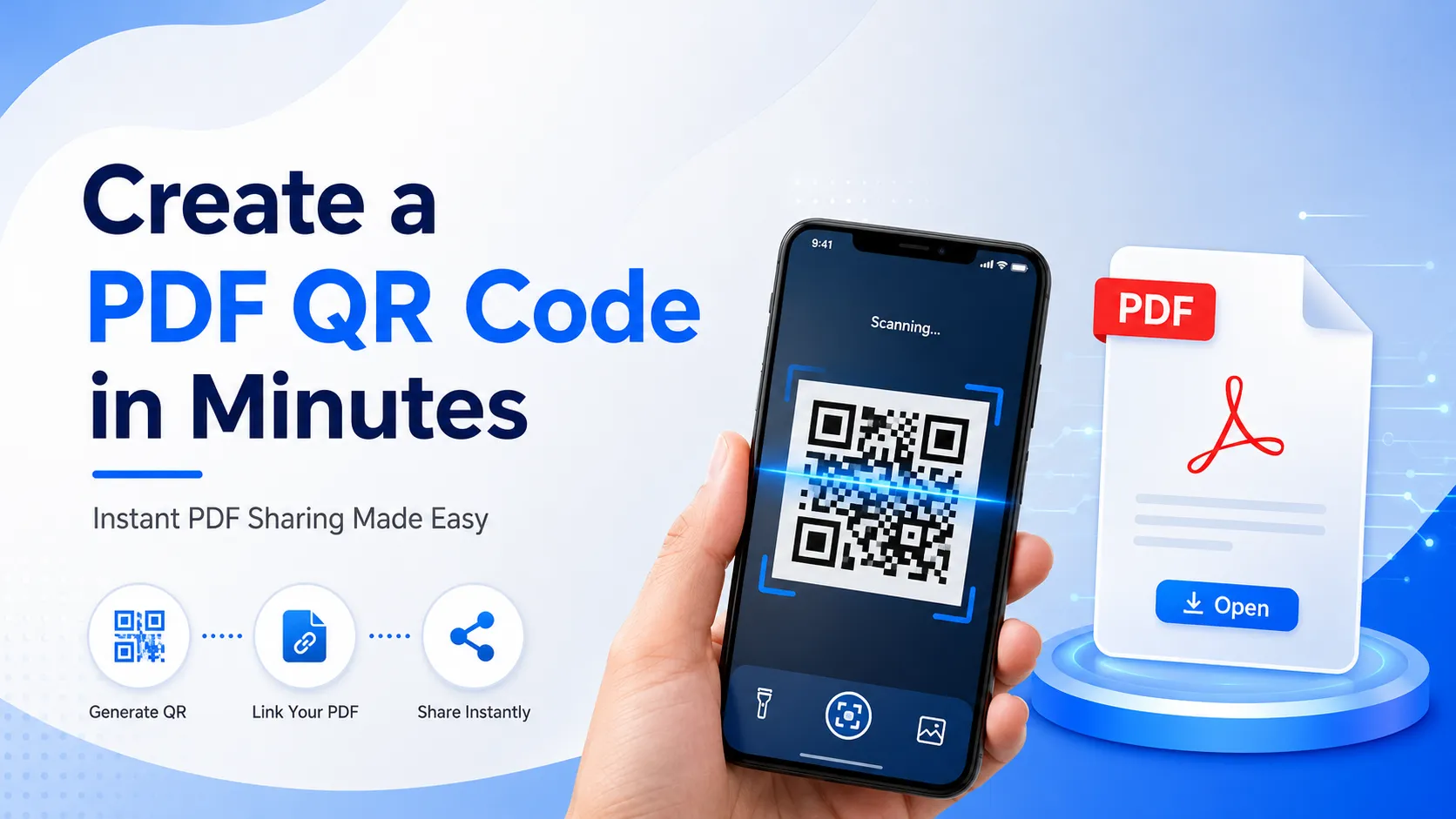
Nowadays, sharing documents quickly and efficiently has become more important than ever. Whether you're a business owner, teacher, student, marketer, freelancer, or event organizer, you often need to send PDF files to clients, customers, or colleagues. While email attachments and messaging apps work, they aren't always the most convenient option.
This is where a PDF QR Code becomes incredibly useful.
Instead of sending long download links or attaching bulky files, you can simply generate a QR code that instantly opens your PDF document with a quick smartphone scan. It's faster, cleaner, and far more professional.
If you're looking for the easiest way to create a PDF QR code in minutes, you're in the right place. This guide explains everything you need to know—from what a PDF QR code is and why businesses use it to how you can create one in just a few simple steps.
Whether you're creating restaurant menus, product catalogs, brochures, user manuals, eBooks, presentations, business reports, or educational materials, PDF QR codes make document sharing effortless.
"A customer standing at a restaurant table does not need to search Google for the menu. They can scan the QR code, view the PDF menu, and start ordering within seconds."
Why PDF QR Codes Are Becoming So Popular
The way people consume information has changed dramatically. Most users now access documents directly from their smartphones instead of downloading files on desktop computers.
A PDF QR code removes unnecessary steps.
Instead of asking users to:
- Open a browser
- Type a URL
- Search for your document
- Download the file
they simply scan the QR code and instantly view the PDF.
This simple improvement significantly enhances the user experience while increasing document accessibility.
Businesses across industries now use QR codes because they reduce friction and encourage more people to access important information.
What is a PDF QR Code?
A PDF QR Code is a Quick Response (QR) code that links directly to a PDF document stored online.
When someone scans the code using their smartphone camera, tablet, or QR scanner app, the PDF opens immediately in their browser or PDF viewer.
Instead of printing multiple pages of information, you only need to print one QR code.
The document remains accessible anytime and anywhere with an internet connection.
Popular documents shared through PDF QR codes include:
- Restaurant menus
- Company brochures
- Product catalogs
- User manuals
- Price lists
- Business proposals
- Event schedules
- Wedding invitations
- Educational notes
- Research papers
- eBooks
- Business presentations
- Real estate brochures
- Medical reports
- Travel guides
Because of their simplicity, PDF QR codes have become an essential tool for both businesses and individuals.
Benefits of Using a PDF QR Code
1. Instant Document Access
Nobody enjoys typing long URLs.
A QR code eliminates this hassle completely.
Users simply scan the code and access your document within seconds.
This convenience leads to higher engagement and better customer satisfaction.
2. Faster Information Sharing
Whether you're attending a trade show, conducting a seminar, or meeting clients, handing out printed documents can be expensive and time-consuming.
Instead, display one QR code.
Everyone can instantly download the PDF on their own device.
3. Reduce Printing Costs
Printing brochures, catalogs, manuals, and menus can become costly.
A PDF QR code allows you to print only a single QR code instead of hundreds of pages.
This saves money while making updates much easier.
4. Eco-Friendly Solution
Businesses are increasingly moving toward paperless communication.
Using QR codes helps reduce paper waste while supporting environmentally friendly practices.
Customers also appreciate sustainable business initiatives.
5. Professional Appearance
A clean QR code printed on business cards, packaging, posters, banners, or brochures creates a modern and professional impression.
It demonstrates that your business embraces digital technology.
Who Should Use PDF QR Codes?
Almost every industry can benefit from QR code technology.
Here are some common use cases.
Businesses
Companies use PDF QR codes to share:
- Product catalogs
- Company profiles
- Price lists
- Product manuals
- Warranty information
- Business presentations
Instead of printing large brochures, businesses simply print one QR code.
Restaurants & Cafes
Many restaurants now offer digital menus.
Customers scan a QR code placed on the table and instantly view the menu on their phones.
Benefits include:
- No physical menu printing
- Easy menu updates
- Better hygiene
- Faster ordering experience
Educational Institutions
Schools, colleges, and coaching centers frequently share:
- Study materials
- Lecture notes
- Assignments
- Exam schedules
- Research papers
Students can access documents anytime by scanning the QR code.
Event Organizers
Event planners use PDF QR codes for:
- Event schedules
- Speaker information
- Venue maps
- Tickets
- Conference guides
- Exhibition catalogs
Guests receive all event information without carrying printed booklets.
Real Estate Agents
Real estate professionals can place QR codes on property signs.
Potential buyers scan the code to access:
- Property brochures
- Floor plans
- Pricing information
- Location details
- Contact information
This creates a more interactive buying experience.
Healthcare Providers
Hospitals and clinics can share:
- Patient instructions
- Health reports
- Prescription guides
- Medical brochures
- Appointment information
Patients receive digital documents instantly.
Why Businesses Prefer PDF QR Codes
A restaurant that updates its menu every month does not need to redesign and print hundreds of menus again. By replacing the printed menu with a PDF QR code, the restaurant can update prices or add new dishes by uploading a new PDF file.
Better Customer Convenience
Customers don't want to search for documents online or request files through email. A single scan provides instant access to the information they need.
This convenience often leads to:
- Better customer satisfaction
- More engagement
- Faster decision-making
- Higher conversion rates
Common Mistakes When Creating PDF QR Codes
Example:
- Uploading large PDFs
- Not testing before printing
- Using low-quality QR images
- Not updating expired links
Static PDF QR Code
| Feature | Static QR |
|---|---|
| Edit PDF later | No |
| Best for business | No |
| Tracking | No |
| Long-term use | Limited |
Why Choose FastQR for PDF QR Codes?
If you're looking for a quick, reliable, and user-friendly solution, FastQR makes the process simple from start to finish.
Fast QR Code Generation
Create a PDF QR code within minutes without any technical knowledge.
User-Friendly Interface
The platform is designed for beginners as well as professionals, making the process straightforward.
Custom QR Code Designs
Customize your QR code with:
- Brand colors
- Frames
- Logos
- Shapes
- Styles
A personalized QR code helps strengthen your brand identity.
High-Resolution Downloads
Download QR codes in high quality for both digital and print use, ensuring sharp scans on business cards, brochures, posters, and packaging.
Secure File Handling
Your uploaded PDF files are processed securely, giving you confidence when sharing important documents.
Frequently Asked Questions (FAQs)
1. What is a PDF QR Code?
A PDF QR Code is a type of QR code that opens a PDF document when scanned with a smartphone or QR code scanner. Instead of typing a URL or downloading a file manually, users can instantly access the document with a single scan.
2. How do I create a PDF QR Code for free?
Creating a PDF QR Code is simple:
- Visit FastQR.in.
- Choose the PDF QR Code Generator.
- Upload your PDF file.
- Generate your QR code.
- Download it and start sharing.
The entire process takes only a few minutes and doesn't require any technical skills.
3. Can I customize my PDF QR Code?
Yes. A customized QR code looks more professional and attracts more scans. You can personalize it with:
- Brand colors
- Company logo
- Custom frame
- Different QR patterns
- Unique shapes
Branded QR codes also improve customer trust and brand recognition.
4. Will my PDF QR Code work on all smartphones?
Yes. Modern Android and iPhone devices come with built-in QR code scanning through the camera app. Users simply point their camera at the QR code, tap the notification, and the PDF opens instantly.
5. Is there a file size limit for PDF QR Codes?
The supported file size depends on the QR code platform you're using. For the best user experience, it's recommended to keep your PDF optimized and compressed so it loads quickly on both mobile data and Wi-Fi.
6. Can I use PDF QR Codes for business?
Absolutely. Businesses across industries use PDF QR Codes to share:
- Product catalogs
- Company profiles
- Restaurant menus
- Price lists
- User manuals
- Marketing brochures
- Event schedules
- Training materials
They're an efficient way to distribute information without relying on printed documents.
7. Are PDF QR Codes secure?
Yes, when generated using a trusted platform. Always upload documents through a reliable QR code generator and avoid sharing sensitive or confidential information publicly unless appropriate access controls are in place.
8. Where can I place a PDF QR Code?
PDF QR Codes are highly versatile and can be used on:
- Business cards
- Product packaging
- Flyers
- Brochures
- Posters
- Banners
- Store displays
- Restaurant tables
- Event passes
- Invitations
- Websites
- Email signatures
- Social media posts
The more accessible your QR code is, the more opportunities users have to interact with your content.
Conclusion
A PDF QR Code is one of the simplest yet most effective ways to share digital documents. Instead of sending lengthy links or printing stacks of paper, you can provide instant access to PDFs with a single scan.
Whether you're distributing a product catalog, restaurant menu, company brochure, training manual, event guide, or educational material, QR codes make the process faster, more convenient, and more engaging for your audience.
By following best practices—using high-quality PDFs, customizing your QR code, testing it before publishing, and including a clear call-to-action—you can improve user experience and encourage more people to access your content.
As businesses and individuals continue moving toward paperless communication, PDF QR Codes are becoming an indispensable tool for efficient information sharing.