Modern customers expect quick responses and convenient communication. As a result, businesses are adopting messaging platforms that make interactions faster and more personal. WhatsApp has emerged as a preferred channel for many organizations, helping them manage customer inquiries, generate new business opportunities, and provide timely support.
But simply sharing a WhatsApp number isn't enough anymore.
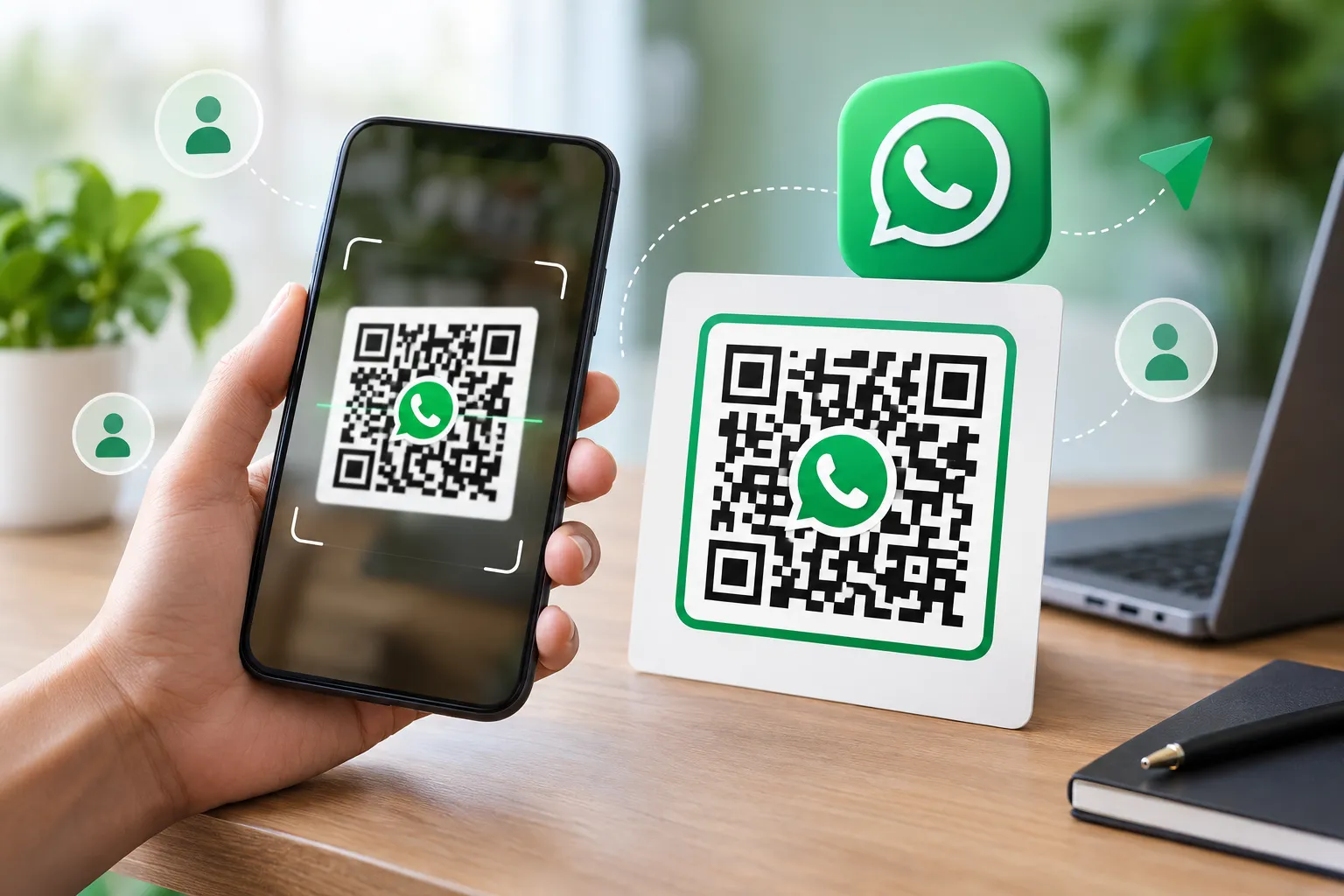
A WhatsApp QR Code Generator With Logo allows businesses to create a branded and professional QR code that customers can scan instantly to start a conversation. Adding your company logo not only improves brand recognition but also increases trust and engagement.
Whether you're running a local business, an online store, a digital agency, a restaurant, or a service-based company, a WhatsApp QR Code with Logo can help streamline communication while reinforcing your brand identity.
In this comprehensive guide, you'll learn everything about creating a branded WhatsApp QR code, its benefits, best practices, and how to generate one easily.
What Is a WhatsApp QR Code?
A WhatsApp QR Code is a scannable code that instantly opens a WhatsApp chat when scanned using a smartphone camera or QR scanner.
Instead of manually saving a phone number and opening WhatsApp, users can simply scan the code and start messaging immediately.
This technology uses WhatsApp's Click-to-Chat feature, making communication faster and more convenient.
Businesses commonly use QR codes for:
- Customer support
- Product inquiries
- Appointment booking
- Sales consultations
- Feedback collection
- Lead generation
- Event registrations
- Marketing campaigns
A QR Code for WhatsApp eliminates friction and encourages instant customer interaction.
What Is a WhatsApp QR Code With Logo?
A WhatsApp QR Code with Logo is a customized QR code that includes your business logo in the center while still maintaining full scannability.
Unlike standard black-and-white QR codes, branded QR codes are visually appealing and instantly recognizable.
Benefits include:
- Stronger brand identity
- Higher scan rates
- Increased customer trust
- Professional appearance
- Better marketing performance
When customers see your company logo embedded within the QR code, they immediately associate it with your brand.
This small customization can significantly improve customer engagement.
Why Businesses Need a Branded WhatsApp QR Code
Modern customers prefer quick and direct communication.
Research consistently shows that customers are more likely to engage with businesses that provide easy communication channels.
A Branded WhatsApp QR Code helps businesses:
Build Trust
Customers recognize familiar logos instantly.
A logo-enhanced QR code appears more legitimate than a generic QR code.
Improve Customer Engagement
Reducing the number of steps required to contact your business increases the likelihood of interaction.
Increase Conversion Rates
When customers can instantly reach your business through WhatsApp, they are more likely to inquire about products and services.
Strengthen Brand Visibility
Every scan reinforces your company's visual identity.
Support Omnichannel Marketing
You can place WhatsApp QR codes on:
- Business cards
- Flyers
- Posters
- Packaging
- Product labels
- Websites
- Social media profiles
- Email signatures
- Digital business cards
- According to Statista and various mobile marketing industry reports, billions of users actively use WhatsApp worldwide, making it one of the most widely adopted messaging platforms. This large user base creates opportunities for businesses to communicate with customers through a familiar and convenient channel.
Benefits of Using a WhatsApp QR Generator With Logo
1. Instant Customer Communication
Traditional contact methods often require customers to save a phone number before starting a conversation. A WhatsApp QR code removes these extra steps, allowing users to connect instantly with a single scan.
2. Better Brand Recognition
Your logo becomes a visual reminder of your brand.
A branded QR code creates a consistent experience across all marketing materials.
3. Professional Marketing Materials
Whether printed or digital, a Professional WhatsApp QR Code with Logo enhances the appearance of your promotional assets.
4. Enhanced Lead Generation
A WhatsApp contact QR code serves as a direct lead generation tool.
Potential customers can connect instantly when they show interest.
5. Higher Scan Rates
Studies across the QR marketing industry suggest that customized QR codes often perform better than generic versions because they attract attention.
6. Mobile-Friendly Customer Journey
Modern consumers expect convenience.
A custom WhatsApp QR code delivers exactly that.
Real-World Example
A local restaurant added a branded WhatsApp QR code to its takeaway packaging and table displays. Customers could instantly scan the code to place repeat orders and ask questions. Within a few weeks, the restaurant noticed an increase in direct customer inquiries and reduced phone call volume.
Similarly, many online stores use WhatsApp QR codes on product packaging to provide customer support and order assistance.
How to Create WhatsApp QR Code With Logo
Many people ask:
How to Create WhatsApp QR Code With Logo?
The process is surprisingly simple.
Step 1: Open a WhatsApp QR Code Generator
Use a trusted WhatsApp QR Code Maker such as FastQR.
Step 2: Enter Your WhatsApp Number
Include your country code.
Example:
+91XXXXXXXXXX
Step 3: Add a Custom Message (Optional)
You can pre-fill a message like:
"Hello, I came across your QR code and would like to know more about your products or services."
This saves time for customers.
Step 4: Upload Your Company Logo
Most advanced QR generators allow logo integration.
Choose a high-quality PNG image.
Step 5: Customize the QR Design
Adjust:
- Colors
- Shapes
- Frames
- Patterns
- Branding elements
Step 6: Generate the QR Code
The system instantly creates your personalized QR code.
Step 7: Download and Use
Download in:
- PNG
- SVG
Then place it on your marketing materials.
WhatsApp Business QR Code With Logo for Companies
Across industries, companies are using WhatsApp Business as a convenient way to interact with customers, answer questions, provide support, and build stronger relationships through direct messaging.
A WhatsApp Business QR Code with Logo provides several advantages:
Customer Support
Allow customers to reach support teams quickly.
Product Inquiries
Help buyers ask questions before purchasing.
Appointment Scheduling
Useful for:
- Doctors
- Salons
- Consultants
- Service providers
Sales Conversations
Enable direct communication between prospects and sales representatives.
Customer Retention
Maintain ongoing conversations and improve customer satisfaction.
Best Practices for Creating a Custom WhatsApp QR Code
Not all QR codes perform equally.
Follow these best practices.
Use a High-Resolution Logo
Blurry logos reduce professionalism.
Always upload a clear image.
Maintain Contrast
Dark QR elements should contrast with lighter backgrounds.
Avoid Oversized Logos
The logo should enhance the design without blocking essential QR patterns.
Test Before Publishing
Always test your QR code on:
- Android devices
- iPhones
- Tablets
Include a Call-to-Action
Examples:
- Scan to Chat
- Message Us on WhatsApp
- Get Instant Support
- Connect With Us
A CTA can significantly increase scan rates.
Custom WhatsApp QR Code vs Standard QR Code
| Feature | Standard QR Code | Custom WhatsApp QR Code |
|---|---|---|
| Logo Integration | No | Yes |
| Branding | Limited | Strong |
| Professional Appearance | Basic | Advanced |
| Customer Trust | Medium | High |
| Marketing Performance | Average | Better |
| Visual Appeal | Low | High |
A Custom WhatsApp QR Code with Logo clearly provides stronger branding opportunities.
WhatsApp Marketing and QR Codes
WhatsApp marketing continues to grow because customers prefer messaging over traditional contact methods.
Businesses use WhatsApp QR codes for:
Lead Generation
Capture prospects directly into WhatsApp conversations.
Promotional Campaigns
Encourage customers to ask about offers.
Customer Service
Reduce support barriers.
Event Marketing
Allow attendees to connect instantly.
Digital Business Cards
Share contact information more efficiently.
The combination of WhatsApp Marketing and QR technology creates a powerful communication channel.
QR Code Design Tips for Maximum Scans
A good QR code isn't just functional—it should also be attractive.
Match Brand Colors
Use your company color palette.
Add a Frame
Frames draw attention.
Use Clear Instructions
Tell users exactly what happens after scanning.
Optimize for Print and Digital
Ensure readability in:
- Business cards
- Brochures
- Websites
- Social media graphics
Keep It Simple
Over-designing can affect usability.
Balance aesthetics and functionality.
Industries That Benefit From WhatsApp QR Codes
Retail Stores
Share promotions and customer support.
Restaurants
Accept orders and reservations.
Real Estate Agencies
Connect buyers with agents instantly.
Educational Institutions
Handle admission inquiries.
Healthcare Clinics
Book appointments quickly.
Freelancers
Generate direct leads from marketing materials.
Digital Agencies
Provide consultations and project inquiries.
E-commerce Businesses
Offer instant customer assistance.
What to Look for in a WhatsApp QR Code Generator
When selecting a QR code generator, consider features such as logo support, customization options, download formats, mobile compatibility, and ease of use.
Many QR code platforms provide these features, allowing businesses to create professional QR codes without technical expertise.
Future of Branded QR Codes
QR code usage has grown significantly over the past few years.
Consumers are now comfortable scanning QR codes for:
- Payments
- Contact information
- Customer support
- Product information
- Business communication
As businesses continue investing in digital branding, QR Codes with Logo will become even more important.
Branded QR codes create memorable customer experiences while simplifying communication.
Conclusion
A WhatsApp QR Code Generator With Logo is one of the easiest ways to improve customer communication, strengthen branding, and increase engagement.
Instead of relying on plain QR codes, businesses can create a Branded WhatsApp QR Code that reflects their identity and encourages customers to connect instantly.
Whether you're a small business owner, marketer, freelancer, retailer, or enterprise company, adding a logo to your WhatsApp QR code creates a more professional and trustworthy experience.
Start creating your WhatsApp QR Code With Logo today and make it easier for customers to reach your business with a single scan.
Frequently Asked Questions (FAQ)
What is a WhatsApp QR Code Generator With Logo?
A WhatsApp QR Code Generator With Logo is a tool that creates QR codes linked to WhatsApp chats while allowing users to add their business logo for branding purposes.
Is a WhatsApp QR Code with Logo free to create?
Many platforms offer free QR code generation. Some advanced customization features may require premium plans.
How do I create a branded WhatsApp QR code?
Use a QR code generator, enter your WhatsApp number, upload your logo, customize the design, and generate the QR code.
Does adding a logo affect QR code scanning?
No, as long as the logo size remains within recommended limits and the QR code is properly generated.
Can I use a WhatsApp QR code for business marketing?
Yes. Businesses use WhatsApp QR codes extensively for lead generation, customer support, sales inquiries, and promotions.
Where can I place my WhatsApp QR code?
You can place it on:
- Business cards
- Packaging
- Posters
- Flyers
- Websites
- Email signatures
- Social media profiles
- Digital business cards
What is the difference between a WhatsApp Business QR code and a regular QR code?
A WhatsApp Business QR code directly opens a chat with a business account, making customer communication faster and more efficient.