Imagine visiting a museum and scanning a QR code to hear the story behind an exhibit. The same idea works for teachers sharing pronunciation lessons, musicians promoting tracks, and businesses providing spoken instructions.
An audio QR code connects a scannable code to an audio recording, MP3 file, podcast, music link, or audio guide. Visitors scan the code with a compatible smartphone and open the audio destination without typing a long URL.
With an audio QR code generator, you can turn a shareable audio link into a QR code for worksheets, packaging, posters, books, and other materials. In this guide, you'll learn how to create an audio QR code, share MP3 files, troubleshoot common issues, and explore the FastQR.in Audio QR Generator.
What Is an Audio QR Code?
An audio QR code is a scannable code that directs people to audio content, such as an MP3 file, voice recording, podcast, music track, or audio guide.
The code usually stores a web address rather than the entire recording. When someone scans it, their phone opens the linked file or webpage. For example, a teacher can link a pronunciation recording to a QR code on a worksheet so students can listen without searching for the file.
How Does an Audio QR Code Generator Work?
An audio QR code generator converts a shareable URL into a scannable pattern.
Host the audio: Upload your recording to a suitable service or webpage and copy its shareable link.
Generate the code: Enter the URL into a QR code generator that supports links.
Scan and listen: Scan the finished code with a smartphone, open the destination, and press play if needed.
Remember that scanning does not guarantee automatic playback. Some browsers and platforms require the listener to tap the play button or sign in.
Audio QR Code Generator: How to Create a QR Code for Audio Files
Suppose you are preparing a worksheet for students who are learning a new language. The written exercise is ready, but students also need to hear how the words are pronounced. A QR code beside each exercise can take them to the relevant recording without asking them to search for the audio themselves.
The same approach can work for museum exhibits, spoken product instructions, and recorded messages. The important detail is where the QR code sends the listener: a hosted MP3, a webpage with an audio player, or a streaming platform can each produce a different experience.
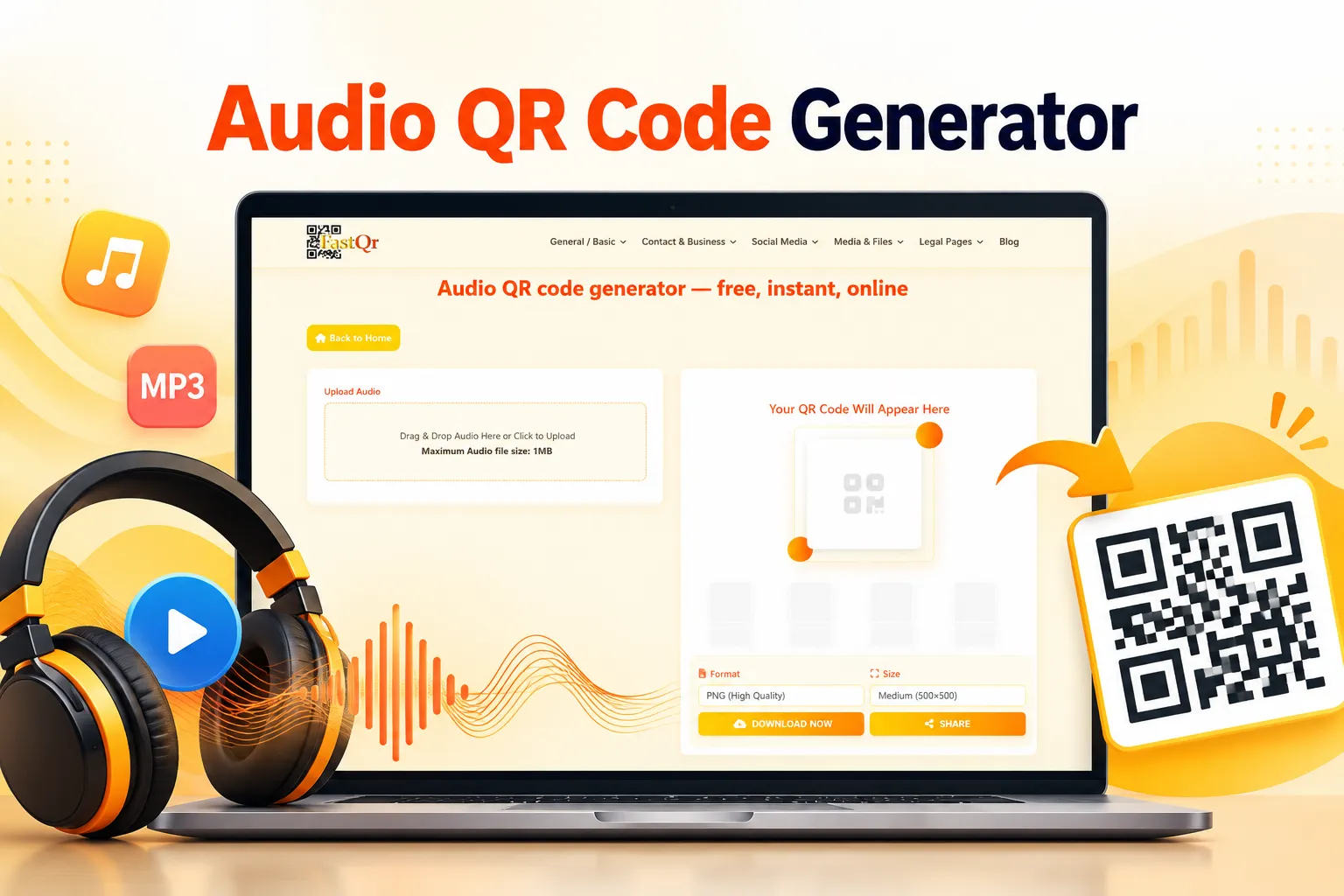
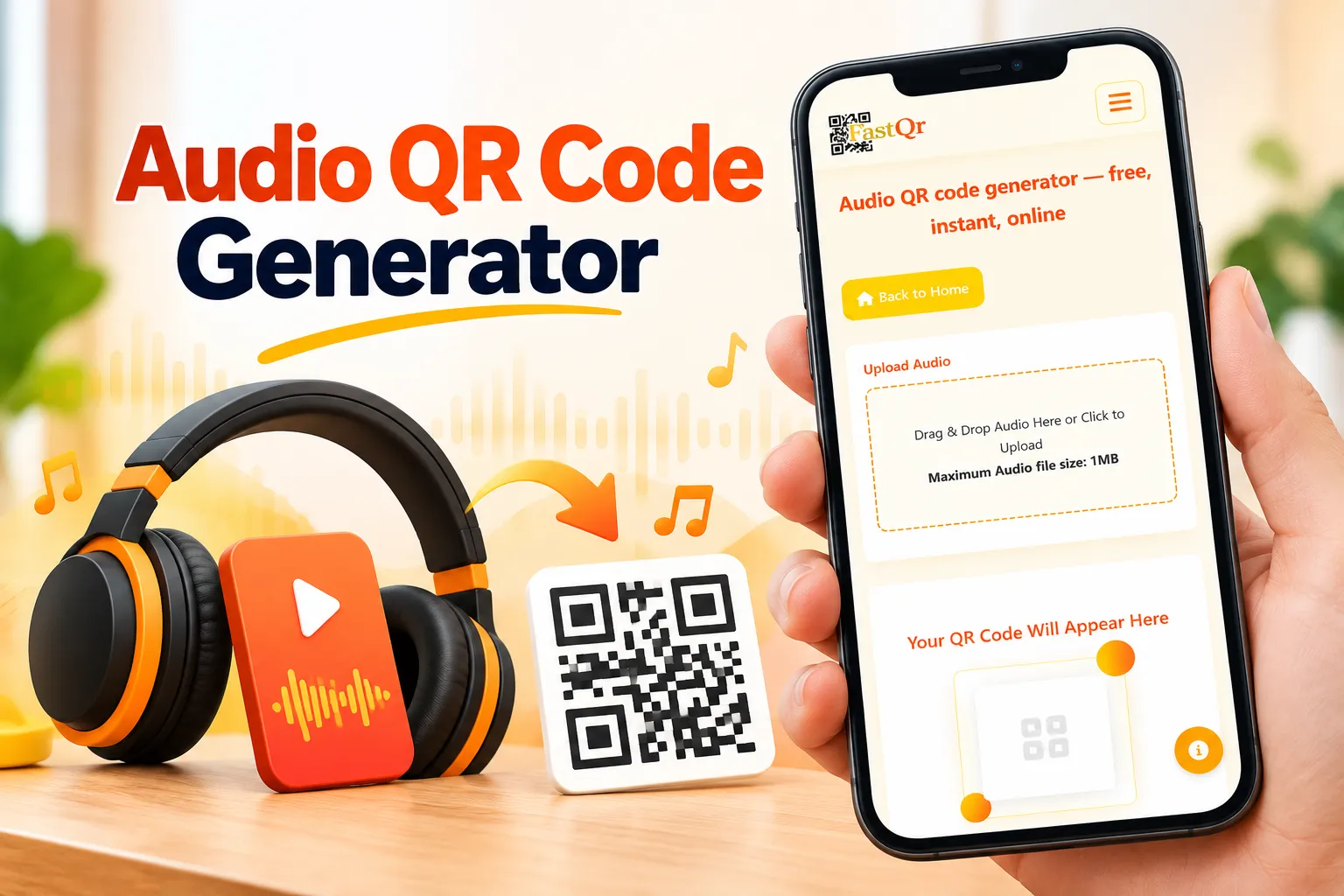
This guide explains how to prepare an audio link, create a QR code, test it on a phone, and avoid common access problems. You can explore the FastQR.in Audio QR Generator alongside the instructions, checking that each step matches the options available in the tool.
Testing an Audio QR Code Before You Share It
Before printing an audio QR code on a worksheet, product label, or event poster, test the complete listening experience. A code may scan successfully but still lead to a recording that the intended audience cannot access.
Start with a short audio file that you own or have permission to share. Make the recording available through a link that your intended audience can open, then use the FastQR.in Audio QR Generator according to the options displayed on the page.
After generating the code, scan it with a smartphone and open the destination. Check that the correct recording appears, the playback controls are easy to find, and the listener does not encounter an unexpected permission or sign-in screen.
If you plan to print the code, test a sample at its actual printed size. Keep the code clear, leave space around its edges, and make sure the destination remains available.
Before publishing this tutorial: Add your own screenshots and a brief account of the test you actually performed. Mention the device and hosting setup only if you recorded them during testing.
How to Make a QR Code for an MP3 File
An MP3 QR code generator helps people access a particular audio recording through a scan. Because an MP3 saved on your phone or computer usually cannot be opened by other people directly, you generally need a shareable link.
To create an MP3 QR code:
Upload the MP3 to a suitable hosting service.
Copy and test its shareable URL.
Enter the link into a compatible QR code generator.
Generate the QR code and scan it to confirm that the correct recording opens.
You can also link to a webpage containing an audio player, transcript, or additional information. Choose the option that makes listening easiest for your audience.
Can a QR Code Play Audio Automatically?
Not always. An audio QR code usually opens a link or destination; it does not control every behavior of the listener's browser or phone.
Many mobile browsers restrict automatic audio playback, especially when a page tries to play sound without a user interaction. A listener may need to tap a play button after scanning the code.
If your goal is to make listening easy, design the destination page with a visible audio player, a clear play button, and a short explanation of what the recording contains. Avoid making visitors hunt for the correct file among unrelated links.
For a museum guide, for example, the page could show the exhibit name, a brief introduction, a play control, and a transcript. A visitor can choose when to listen and can read the text if sound is not practical in that setting.
If your project requires automatic playback, test the exact experience on the devices and browsers your audience uses. Do not advertise automatic playback unless it works reliably in the intended environment.
How to Scan an Audio QR Code on an iPhone or Android
Most modern smartphones can scan QR codes using their built-in camera.
iPhone: Open the Camera app, point it at the code, and tap the link that appears.
Android: Open the Camera app and scan the code. If it is not recognized, try your phone's QR scanning feature or Google Lens if available.
Once the destination opens, press play if the audio does not start automatically. If the code fails to scan, improve the lighting, clean the camera lens, and make sure the entire code is visible.
If the link opens but the audio will not play, check the file permissions, internet connection, and hosting service.
Where Can You Use an Audio QR Code?
1. Education and Language Learning
Teachers can add an audio QR code to worksheets so students can hear pronunciation, listening exercises, or recorded instructions. A transcript can help learners follow along.
2. Museums, Galleries, and Tourist Attractions
An audio guide QR code can link visitors to exhibit stories, historical details, or guided tours. Use a clear label and a destination that matches the specific exhibit.
3. Product Packaging and Business Instructions
Businesses can link packaging to spoken setup instructions or product demonstrations. Keep essential safety warnings and written instructions available rather than relying only on audio.
4. Books and Audiobook Samples
Authors and publishers can use a QR code to share narration, sample chapters, or pronunciation guides. Confirm that you have permission to share the audio publicly.
5. Music, Podcasts, and Creative Projects
A music QR code can link to a song, playlist, or podcast episode. Test the destination and remember that streaming platforms may require an app, account, or internet connection.
6. Events, Weddings, and Personal Messages
Add a QR code to invitations or table cards to share a welcome message, voice greeting, or event announcement. Check privacy settings before sharing personal recordings.
7. Accessibility and Spoken Information
Audio QR codes can make spoken descriptions and instructions easier to access. Where possible, also provide transcripts, readable text, and accessible playback controls.
Audio QR Code vs. Music Link QR Code
These two uses are related, but they are not identical.
An audio-file QR code points to a recording or a webpage where that recording can be played or downloaded. This is suitable for voice recordings, MP3 files, spoken instructions, and audio lessons.
A music-link QR code points to a song, album, playlist, or artist page on a streaming platform. The listener may need the relevant app, an account, or an internet connection, depending on the platform and the content.
A QR code for Spotify, Apple Music, or YouTube Music is therefore not necessarily an MP3 QR code. If you want to share a recording that you control, use an accessible link to that recording. If you want to send people to a streaming service, use the specific song or playlist URL.
The distinction helps set the right expectation before someone scans.
Common Audio QR Code Problems and How to Fix Them
The QR Code Scans, but the Audio Does Not Open
First, copy the destination URL and open it directly. If it fails outside the QR code, check whether the file has moved, the link has expired, or access is restricted. A QR code cannot repair a broken destination.
The Listener Is Asked to Sign In
The audio may be stored in a service that requires an account or specific permissions. Review the sharing settings and test the link while signed out. Do not make sensitive recordings public simply to avoid a login screen.
The QR Code Is Difficult to Scan
A low-resolution image, poor contrast, reflective surface, very small print, or distorted QR pattern can interfere with scanning. Use a clear image, leave a margin around the code, and test it at its final printed size.
The Recording Plays on One Phone but Not Another
Different devices, browsers, file formats, and hosting services can behave differently. Test the link on more than one device and consider providing a browser-based audio page with a standard play control. If the recording requires a specific app, explain that before people scan.
The Audio Link Changes
If the code points to a URL that later changes or stops working, the printed code may no longer lead to the intended recording. Keep the destination stable where possible and periodically test important codes. If you change the URL and your QR code cannot be redirected, you may need to generate and distribute a new one.
Tips for Creating a Reliable Audio QR Code
A successful audio QR code is not just a graphic. It is a complete path from the printed code to a recording that a listener can actually use.
Use a clear destination. Link directly to the intended recording or to a simple page that identifies it. Avoid sending people to a general homepage when a more specific destination is available.
Keep the audio accessible. Check file permissions, link stability, and any sign-in requirements. If your audience is international, test access from the regions where the code will be used when practical.
Make scanning easy. Use strong contrast and a sufficiently large code. Leave clear space around it, and avoid placing it over busy backgrounds or curved surfaces that distort the pattern.
Explain what will happen. A short label such as “Scan to hear the audio guide” tells people why the code is there. This is especially helpful on product packaging, classroom materials, and public displays.
Offer an alternative. Where space permits, include a short URL or a written summary. This gives people another way to reach the content if they cannot scan the code or do not want to use their phone.
Review the destination over time. If the code appears on a permanent sign, printed book, or product package, check the link periodically. A QR code that worked on launch day can still become useless if the recording is deleted or its permissions change.
Final Thoughts
An audio QR code gives people a simple way to reach recordings from printed materials, displays, packaging, invitations, and digital content. It can support classroom learning, museum guides, product instructions, music promotion, voice messages, and accessibility projects—provided the destination is reliable and easy to use.
The practical process is straightforward: prepare your audio, make sure it has a shareable destination, convert the link with a compatible audio QR code generator, download the code, and test the entire experience on a phone before distributing it.
Ready to start? Visit the FastQR.in Audio QR Generator, review the available options, and create a code for your audio link. Test it before printing or sharing so your audience can get from the scan to the recording without unnecessary steps.
Frequently Asked Questions
1. What is an audio QR code generator?
An audio QR code generator creates a QR code that directs users to audio content through a link. The destination may be an MP3 file, an audio webpage, a podcast episode, or a music platform.
2. How do I create a QR code for an audio file?
Upload the recording to a suitable hosting service, obtain a shareable URL, and enter that URL into a QR code generator that accepts links. Generate the code, download it if available, and scan it to confirm that the correct recording opens.
3. Can I create an MP3 QR code for free?
You may be able to create one using a free QR code generator that supports URLs. The audio file may need to be hosted separately, and the hosting service could have its own storage, access, or usage limits.
4. Can a QR code play audio automatically?
Not reliably on every device. Scanning generally opens a link, and the listener may need to tap play because browsers and devices can restrict automatic audio playback.
5. Can I create a QR code for a voice recording?
Yes. Make the recording available through a shareable link, then use that link with a compatible QR code generator. Check the recording's privacy and access settings before sharing it.
6. Do people need a special app to scan an audio QR code?
Many modern smartphones can scan QR codes with their built-in camera. Some devices may require a camera setting or a compatible QR scanning feature. The audio itself may still need a browser or supported app to play.
7. Can I use an audio QR code for music or podcasts?
Yes. You can link to an accessible audio file, a podcast episode, a song, or a playlist. A streaming-platform QR code may open the platform rather than a standalone MP3 file.
8. Can I use an audio QR code in a classroom or museum?
Yes. Teachers can link to pronunciation exercises and listening lessons, while museums can link to exhibit descriptions and audio tours. Keep the destination specific, accessible, and easy to use on a phone.
9. Will an audio QR code expire?
The QR code image itself does not normally expire simply because time passes. However, its destination may stop working if the audio is deleted, the link changes, the hosting service changes its rules, or access permissions are updated.
10. What should I do if my audio QR code does not work?
Scan it again in good lighting, then test the destination URL directly. Check the file's permissions, the internet connection, and whether the audio works on another device. If the code itself is blurry or distorted, generate or download a clearer version and test it at its final size.