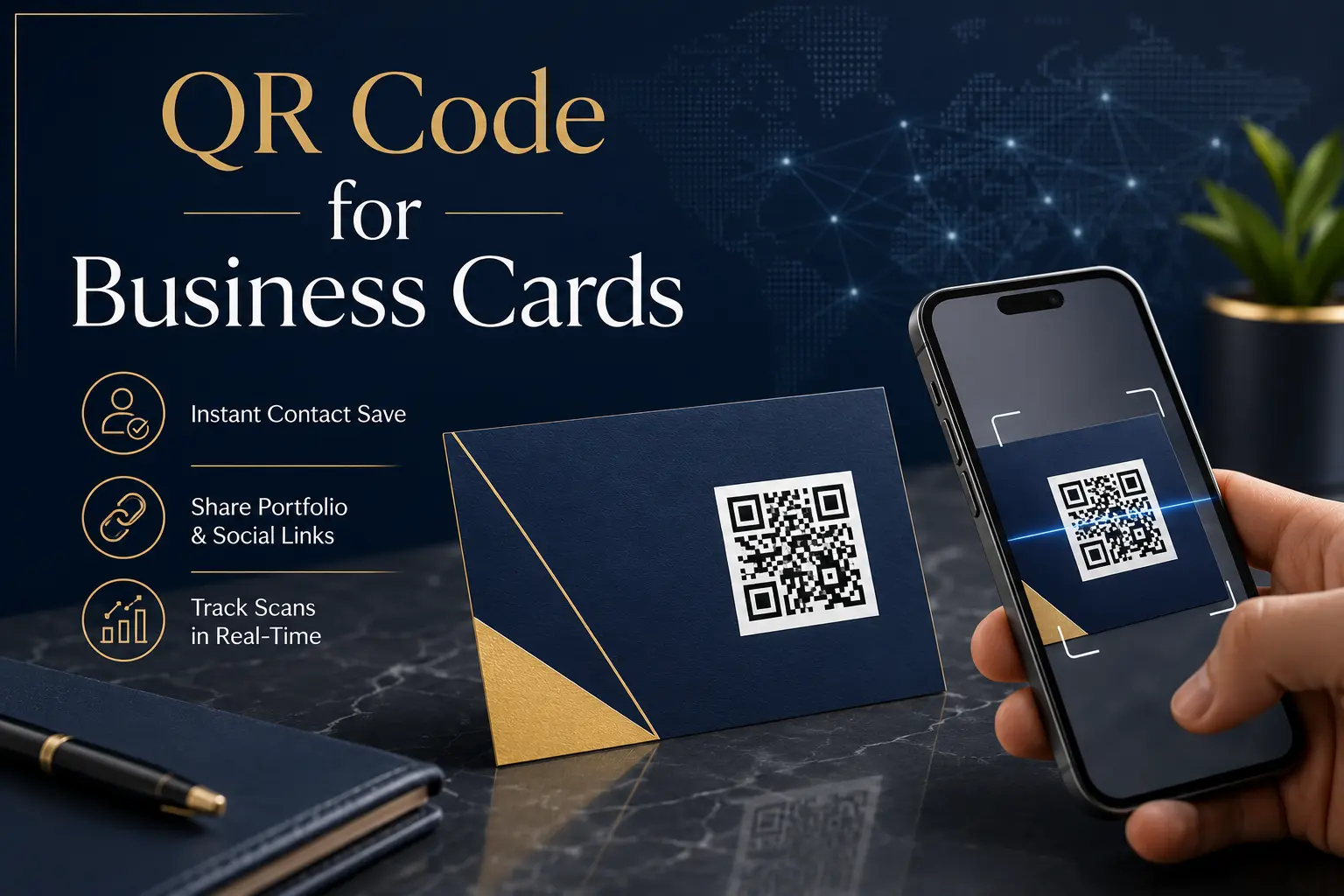
QR Code for Business Cards: The Complete Guide to Smarter Networking
In today's digital-first world, exchanging contact information should be quick, professional, and hassle-free. While traditional business cards are still widely used, they often have one major limitation—they only provide printed information. If someone loses your card or has to manually type your phone number or email address, there's a high chance you'll never hear from them again.
This is where QR Codes for Business Cards make a significant difference.
A QR code transforms a simple paper business card into an interactive digital networking tool. Instead of manually saving your contact details, people can simply scan the QR code using their smartphone and instantly access your phone number, email, website, social media profiles, portfolio, or even save your contact with a single tap.
Whether you're a freelancer, entrepreneur, sales executive, real estate agent, consultant, doctor, or business owner, adding a QR code to your business card helps create a modern and memorable first impression.
In this guide, you'll learn everything about QR Code Business Cards, their benefits, best practices, common mistakes, and how you can create one in just a few minutes using FastQR.
Why Traditional Business Cards Are No Longer Enough
Business cards have been around for decades because they're convenient and professional. However, customer expectations have changed dramatically.
Today, people prefer instant access to information rather than manually entering contact details.
Imagine meeting someone at a business event. You hand them your card containing:
- Name
- Company
- Mobile Number
- Website
If they need to save your contact, they'll have to type everything manually.
Most people don't.
Instead, the card often gets forgotten inside a wallet, drawer, or notebook.
A QR code removes this friction by allowing instant access to your digital information.
What Is a QR Code for a Business Card?
A Business Card QR Code is simply a QR code printed on your business card that links users to digital information.
Depending on your preference, it can open:
- Digital Contact Card (vCard)
- Company Website
- Portfolio
- LinkedIn Profile
- Instagram Profile
- WhatsApp Chat
- Google Maps Location
- Product Catalog
- Appointment Booking Page
- PDF Brochure
- Online Resume
Instead of printing too much information on a small card, you can keep the design clean while allowing people to access much more with one scan.
Top Benefits of Adding a QR Code to Your Business Card
1. Instant Contact Saving
One of the biggest advantages is convenience.
Instead of typing:
- Name
- Phone Number
- Address
Users simply scan the QR code and save everything instantly.
This reduces typing errors and increases the chances that your contact details are actually stored.
2. Creates a Professional First Impression
Modern business cards stand out.
A well-designed QR code signals that your business embraces technology and values customer convenience.
Whether you're attending exhibitions, conferences, networking events, or client meetings, a QR-enabled business card leaves a stronger impression than a traditional one.
3. Share More Than Printed Information
A standard business card has limited space.
A QR code removes that limitation.
Instead of only displaying basic contact details, you can also share:
- Company Introduction
- Service Catalog
- Client Testimonials
- Product Videos
- Portfolio
- Social Media Accounts
- Appointment Scheduler
Your business card becomes a gateway to your complete digital presence.
4. Increase Website Traffic
If your QR code links directly to your website, every scan becomes a potential visitor.
This helps users:
- Learn More About Your Services
- Explore Products
- Read Blogs
- Contact Your Business
- Request Quotations
It's a simple yet effective way to turn offline networking into online engagement.
5. Improve Lead Generation
Many businesses distribute hundreds of business cards every month.
Unfortunately, most recipients never visit the company website.
Adding a QR code increases engagement because people are more likely to scan than type a long URL.
More scans often mean:
- More Enquiries
- More Calls
- More Bookings
- More Conversions
6. Better Branding
Your QR code can become part of your brand identity.
When combined with a clean business card design, it creates a professional appearance that customers remember.
A minimalist card with a strategically placed QR code often looks more modern than one filled with excessive text.
What Information Should Your QR Code Contain?
Choosing the right destination is important.
Here are some excellent options depending on your profession.
For Business Owners
- Company Website
- Service Page
- Contact Page
For Freelancers
- Portfolio
- LinkedIn Profile
- Behance
- Dribbble
For Real Estate Agents
- Property Listings
- Google Maps Office Location
For Doctors
- Appointment Booking
- Clinic Location
- Contact Details
For Restaurants
- Digital Menu
- Online Ordering
- Google Reviews
For Consultants
- Calendar Booking Page
- Company Profile
- Case Studies
Always think about what action you want the recipient to take after scanning.
Choosing Between Static and Dynamic QR Codes: What You Need to Know
Before creating your QR code, it's essential to understand the difference between the two available options.
Static QR Codes
Static QR codes permanently store the information inside the code.
Advantages
- Free to Create
- Permanent
- No Expiry
- Suitable for Personal Use
Limitations
- Cannot Edit the Destination Later
- No Scan Tracking
Dynamic QR Codes
Dynamic QR codes redirect users through a short link.
Advantages
- Edit Destination Anytime
- Track Scans
- Update Information Without Reprinting Cards
- Better for Businesses
If you regularly update your website, portfolio, or contact details, dynamic QR codes are usually the smarter choice.
How to Create a Business Card QR Code Using FastQR
Creating your QR code takes only a few minutes.
Step 1
Open FastQR.
Step 2
Choose the type of QR code you want to create.
For example:
- Website
- vCard
- Social Media
Step 3
Enter your information carefully.
Step 4
Customize the QR code if needed.
Step 5
Download it in high quality.
Step 6
Position the QR code clearly on your business card before final printing.
Always test the QR code on multiple smartphones to ensure it scans correctly.
QR Code Design Best Practices for Business Cards
A QR code is only effective if people can scan it easily. While it may be tempting to make it as small as possible to fit your business card design, readability should always be your top priority.
Follow these best practices to ensure your QR code delivers the best user experience.
Keep the QR Code Large Enough
Avoid shrinking the QR code too much. A very small code can become difficult to scan, especially on older smartphones. As a general rule, a QR code should be at least 2 × 2 cm on a printed business card.
Maintain Proper Contrast
Use a dark QR code on a light background whenever possible. High contrast makes scanning faster and more reliable. Avoid light-colored QR codes on dark backgrounds unless they have been thoroughly tested.
Leave Enough White Space
Every QR code requires a quiet zone (blank space) around it. This empty margin helps scanning apps detect the code correctly. Never place text, logos, or design elements too close to the QR code.
Use High-Resolution Files
When printing business cards, always use high-quality PNG or SVG files to avoid blurry edges. A crisp QR code scans much better than a low-resolution image.
Add a Clear Call-to-Action
Many people won't scan a QR code unless they know what it does. Add a short instruction near the code, such as:
- Scan to Save My Contact
- Scan to Visit Our Website
- Scan for My Portfolio
- Scan to Book a Meeting
- Scan to Connect on LinkedIn
A simple call-to-action can significantly increase scan rates.
Common Mistakes to Avoid
Even a well-designed business card can fail if the QR code isn't created correctly. Here are some common mistakes to avoid.
Linking to the Wrong Page
Always double-check the destination before printing hundreds of business cards. A broken or incorrect link creates a poor first impression.
Using a Low-Quality Image
Stretching or compressing a QR code can make it unreadable. Download the highest-quality version available and avoid unnecessary resizing.
Printing Without Testing
Before sending your business cards for printing, test the QR code using different smartphones and QR scanner apps. It's much easier to fix issues before printing than afterward.
Adding Too Much Information
Your business card should remain clean and professional. Let the QR code provide additional information while keeping the printed design simple and easy to read.
Ignoring Mobile Experience
Remember that users will open your content on their smartphones. Ensure the linked webpage, portfolio, or landing page is mobile-friendly and loads quickly.
Industries That Benefit Most from QR Code Business Cards
Almost every profession can benefit from QR-enabled business cards. Here are a few examples.
Freelancers and Creative Professionals
Graphic designers, photographers, writers, and developers can link directly to their portfolios, making it easier for potential clients to review their work.
Real Estate Agents
Instead of handing out multiple property brochures, agents can link their QR code to property listings, virtual tours, or WhatsApp for instant inquiries.
Healthcare Professionals
Doctors, dentists, and clinics can direct patients to appointment booking pages, clinic locations, or important healthcare information.
Sales and Marketing Teams
Sales representatives can share product catalogs, company presentations, pricing details, or lead capture forms through a single QR code.
Consultants and Coaches
Business consultants, financial advisors, and career coaches can link to booking calendars, service pages, testimonials, or downloadable resources.
Small Business Owners
Retail stores, service providers, and startups can use QR codes to drive website traffic, collect inquiries, and increase customer engagement.
QR Code Security Tips
QR codes are convenient, but users should also practice safe scanning habits. Businesses can build trust by following these security recommendations.
- Always link to secure websites that use HTTPS.
- Keep your landing pages updated and free from broken links.
- Avoid redirecting users to suspicious or unrelated websites.
- Test your QR code regularly to ensure it works correctly.
- Clearly explain where the QR code will take users.
A trustworthy QR code improves both user confidence and your brand's credibility.
Frequently Asked Questions (FAQs)
Do business cards with QR codes look professional?
Yes. QR codes add a modern and innovative touch to business cards while making it easier for people to access your information instantly.
Can I add my WhatsApp number to a QR code?
Absolutely. You can create a QR code that opens a WhatsApp chat directly, making it easier for customers to contact you.
Should I use a website or a digital contact card?
It depends on your goal. If you want people to save your contact information, a digital contact card (vCard) is ideal. If you want to generate leads or showcase your services, linking to your website is often the better choice.
Can I update my QR code after printing?
If you use a dynamic QR code, you can update the destination without printing new business cards. Static QR codes cannot be changed once created.
Are QR codes free to create?
Many QR code generators allow you to create basic static QR codes for free. Advanced features such as editable links, analytics, and scan tracking are generally available with dynamic QR codes.