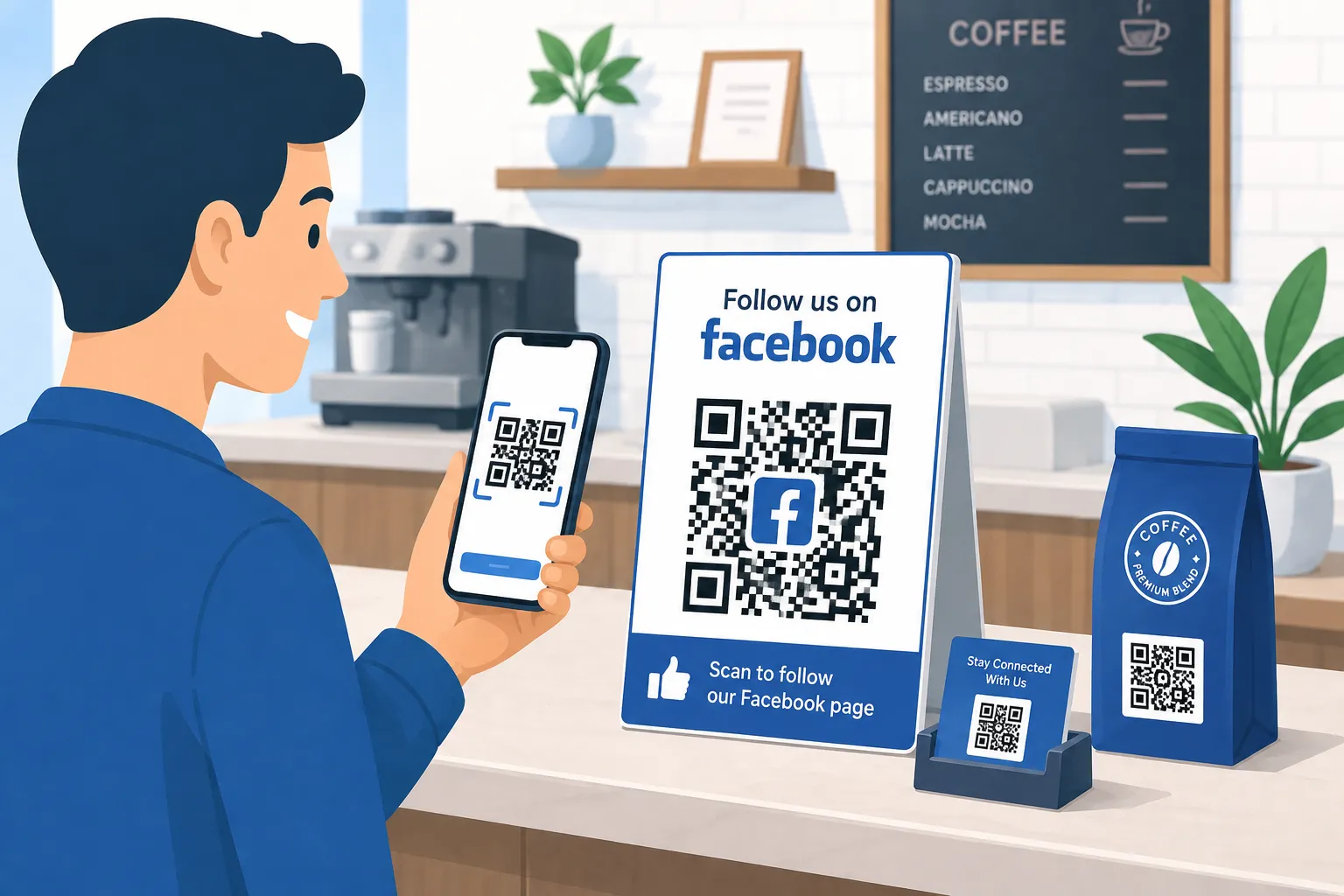
Getting people to discover your Facebook Page is easy when they are already on Facebook. The bigger opportunity is reaching customers when they are offline—inside your store, holding your product, reading a flyer, or looking at your business card.
That is where a Facebook QR code becomes useful.
A Facebook QR code is a scannable code that takes someone directly to your Facebook destination. Instead of asking customers to search for your business name, find the correct Page, and then follow it, you can give them a simple shortcut: scan, open, and follow.
For small businesses and social media marketers in 2026, reducing these extra steps matters. Your physical storefront, packaging, receipts, menus, brochures, event materials, and print advertising can all become entry points to your Facebook presence.
Better still, you do not need technical skills to get started. With a free QR code generator such as FastQR, you can create a QR code for your Facebook Page in minutes.
What Is a Facebook QR Code?
A Facebook QR code is a QR code containing a link to content on Facebook.
When someone scans the code using their smartphone camera, they can open the linked Facebook destination without manually typing a URL or searching for your business.
For example, a restaurant could place a QR code near its checkout counter with the message:
“Enjoyed your visit? Scan to follow us on Facebook for weekly specials.”
A customer scans the code, reaches the restaurant's Facebook Page, and can choose to follow it.
The key advantage is convenience. You are turning an offline moment of interest into an immediate social media action.
Why Facebook QR Codes Matter in 2026
Businesses often operate across two connected customer journeys.
The first happens offline: someone walks into a shop, attends an event, receives a package, visits a restaurant, or sees an advertisement.
The second happens online: that person follows the brand, sees future posts, responds to promotions, sends messages, and potentially becomes a repeat customer.
A QR code for social media helps connect those journeys.
Instead of hoping a customer remembers your Facebook Page later, you can invite them to visit it while your business is already fresh in their mind.
For small businesses in particular, this makes existing physical marketing materials more useful without requiring a complete redesign of the customer experience.
How Do Facebook QR Codes Work?
A QR code works by encoding a URL into a pattern that a smartphone camera can read.
For Facebook marketing, that URL determines where the customer goes after scanning.
QR Code for Facebook Page
The most common option is a QR code for Facebook Page growth.
You add your Page URL to the QR code, and customers who scan it are taken directly to your Page. From there, they can explore your content and follow your business.
This works particularly well for:
- Retail stores
- Restaurants and cafés
- Salons and spas
- Gyms and fitness studios
- Local service businesses
- Coaches and consultants
- Event organizers
- Ecommerce brands
QR Code for a Facebook Post
You can also link directly to an individual Facebook post.
This can be useful when you want customers to see a specific announcement, promotion, event update, contest, product launch, or other time-sensitive content.
For example, an event poster could include a QR code that opens a Facebook post containing the latest schedule and updates.
QR Code for a Facebook Group
If your business runs a community, membership group, customer group, or local interest group, you can create a QR code pointing to that Facebook Group.
A fitness coach, for instance, could add the code to welcome materials and invite customers to join a private Facebook community.
QR Code for Messenger
Facebook QR codes are not limited to follower growth.
A QR code can also direct customers toward a Messenger conversation when you use an appropriate Messenger link.
That makes the code useful for businesses that rely on Facebook for enquiries, appointment questions, product information, or customer support.
Top Benefits of Using a QR Code to Grow Facebook Followers
The biggest advantage of QR codes is that they can turn marketing materials you already use into opportunities to grow Facebook followers.
1. Turn In-Store Visitors Into Followers
Your physical location is one of the best places to promote your Facebook Page because visitors already know your business.
Place a Facebook QR code near the checkout, reception desk, entrance, waiting area, menu, or display counter.
2. Make Print Ads Interactive
Traditional print advertising usually has a limitation: the reader cannot immediately interact with it.
A QR code changes that.
Add a QR code for Facebook Page access to flyers, brochures, posters, newspaper advertisements, direct-mail pieces, or event materials. Someone who is interested in the advertisement can move directly from print to your Facebook presence.
3. Get More Value From Business Cards
Business cards have limited space, so printing a long Facebook URL is rarely ideal.
A compact QR code provides a cleaner alternative.
You can place it on the back of your card with a short CTA such as:
“Follow our updates on Facebook.”
This is especially useful for consultants, freelancers, real estate professionals, photographers, local service providers, and other businesses that regularly exchange cards.
4. Turn Product Packaging Into a Social Touchpoint
The moment a customer receives or opens a product is a valuable opportunity to build a longer relationship.
Add your Facebook QR code to boxes, labels, inserts, thank-you cards, instruction sheets, or packaging sleeves.
For example:
“Love your purchase? Follow us on Facebook for product tips and new launches.”
Instead of letting the relationship end with the transaction, packaging can encourage the buyer to become part of your Facebook audience.
5. Reduce Friction Between Interest and Action
Imagine asking a customer to remember your business name, open Facebook later, search for it, identify the correct Page, and follow it.
Every extra step creates an opportunity to lose them.
A QR code removes much of that friction.
One scan can put your Facebook Page directly in front of the customer while their interest is still high.
How to Create a Facebook QR Code for Free Using FastQR
Wondering how to create a Facebook QR code without design or coding experience? The process with FastQR is straightforward.
Step 1: Copy Your Facebook URL
First, open the Facebook destination you want people to visit.
This could be your:
- Facebook Page
- Facebook post
- Facebook Group
- Messenger link
Copy the correct URL and check that it opens the intended destination.
Step 2: Open FastQR
Go to FastQR and choose the appropriate QR code creation option.
FastQR acts as a free QR code generator, allowing you to turn your Facebook link into a scannable QR code without manually building anything.
Step 3: Paste Your Facebook Link
Paste the Facebook URL into the destination field.
Double-check the link before continuing. A QR code can look perfect but still provide a poor experience if the destination URL is incorrect.
Step 4: Customize Your QR Code
Depending on the available customization options, adjust the appearance of your QR code to fit your marketing material.
The goal is not to make the code overly decorative. It should remain easy to recognize and scan.
Step 5: Generate the QR Code
Create your QR code using FastQR.
If you are specifically looking for a Facebook QR code generator free of unnecessary complexity, this approach lets you move from Facebook URL to finished code quickly.
Step 6: Test Before Publishing
Always test your QR code with a smartphone before printing or distributing it.
Ideally, test it on more than one device and at approximately the same size customers will see.
Confirm that:
- The QR code scans quickly.
- The correct Facebook destination opens.
- The page works well on mobile.
- The user understands what to do next.
Step 7: Download and Add It to Your Marketing
Once tested, download your QR code and add it to your chosen materials.
You can use the same Facebook QR code across suitable touchpoints, including signs, flyers, business cards, packaging, menus, and promotional materials.
Best Practices for Facebook QR Codes That Get More Scans
Creating the code is only the first step. Placement and presentation can significantly influence whether people actually scan it.
Give People a Reason to Scan
Avoid placing a QR code by itself.
Customers should immediately understand where the code goes and why scanning it is worthwhile.
Instead of:
“Scan me.”
Try:
“Scan to follow us on Facebook for weekly deals.”
or:
“Scan for new products, tips, and Facebook updates.”
Specific benefits create stronger motivation.
Place It Where Customers Naturally Pause
A QR code works best when customers have enough time to notice and scan it.
Good locations include checkout counters, waiting areas, reception desks, table displays, product inserts, event booths, menus, and takeaway packaging.
A tiny QR code on a fast-moving roadside advertisement, by contrast, may be difficult or unsafe to scan.
Make the QR Code Large Enough
Do not shrink your code simply to make a design look cleaner.
The required size depends on viewing distance and printing conditions. Test the final material at its actual dimensions before publishing it.
If someone has to struggle to position their camera correctly, the code is too difficult to use.
Maintain Strong Contrast
QR codes need clear visual contrast.
Avoid placing a low-contrast code over a complicated photo, pattern, or textured background.
Brand customization can look attractive, but scan reliability should always come before decoration.
Leave Space Around the Code
Do not crowd a QR code with text, logos, borders, or other design elements.
Keeping clear space around it helps smartphone cameras distinguish the code from the surrounding design.
Match the CTA to the Destination
If the QR code opens your Facebook Page, say that.
If it opens Messenger, tell customers they can message you.
If it opens a Group, invite them to join the community.
This creates trust because the customer knows what will happen before scanning.
Common Facebook QR Code Mistakes to Avoid
Even a well-designed campaign can underperform when a few practical details are overlooked.
Mistake 1: Linking to the Wrong Facebook URL
Always open and verify the destination URL before generating your code.
If you want followers, make sure your QR code for Facebook Page actually opens the Page rather than an unrelated post or incorrect profile.
Mistake 2: Using a QR Code Without Context
Customers should not have to guess what a code does.
Add a short CTA explaining both the destination and benefit.
Better: “Follow us on Facebook for upcoming events.”
Weaker: “Scan here.”
Mistake 3: Printing Without Testing
Never assume a QR code will scan properly simply because it works on your computer screen.
Print a sample at the intended size and test it under realistic conditions.
Mistake 4: Making the Code Too Small
Business cards, labels, and packaging often tempt designers to reduce QR code size.
Do not sacrifice usability for aesthetics. If customers cannot scan it quickly, it cannot help you grow Facebook followers.
Mistake 5: Placing It Somewhere Inconvenient
Think about the customer rather than simply finding empty space in your design.
A code near a checkout queue may work well because customers have time to scan. A code placed too high, too low, around a package fold, or on a reflective surface may be much less practical.
Turn Offline Customers Into Facebook Followers With FastQR
Growing a Facebook audience does not have to depend entirely on people discovering your business while scrolling.
Your existing customers, store visitors, event attendees, print readers, and product buyers can also become followers.
A well-placed Facebook QR code creates a simple bridge between those offline interactions and your Facebook Page.
Put it on your counter. Add it to your business card. Print it on packaging. Include it in your next flyer. Most importantly, pair it with a clear reason for customers to follow.
Ready to create yours?
Frequently Asked Questions
Can a Facebook QR code help me get more followers?
It can make following your Page much easier for people who already interact with your business. Instead of asking a customer to search for your business on Facebook, a QR code takes them straight to your Page. This is especially useful in shops, restaurants, events, offices, and anywhere else you meet customers in person.
Where is the best place to display a Facebook QR code?
Put the code somewhere people naturally have a moment to use their phones. Checkout counters, reception desks, restaurant tables, product packaging, brochures, business cards, and event displays are all practical choices. Make sure the code is clearly visible and large enough to scan without difficulty.
Can I link a QR code to Facebook Messenger or a Facebook Group?
Yes. Your QR code does not have to lead only to a Facebook Page. You can create one for a Facebook Group, a specific post, or a suitable Messenger link as well. Think about what you want people to do after scanning, then use the URL that takes them directly to that destination.
What should I put next to my Facebook QR code?
Give people a clear reason to scan it. A short message such as “Follow us on Facebook for new offers” or “Scan to see our latest updates” tells customers exactly what they can expect. A useful, specific call-to-action usually works better than a vague phrase such as “Scan here.”