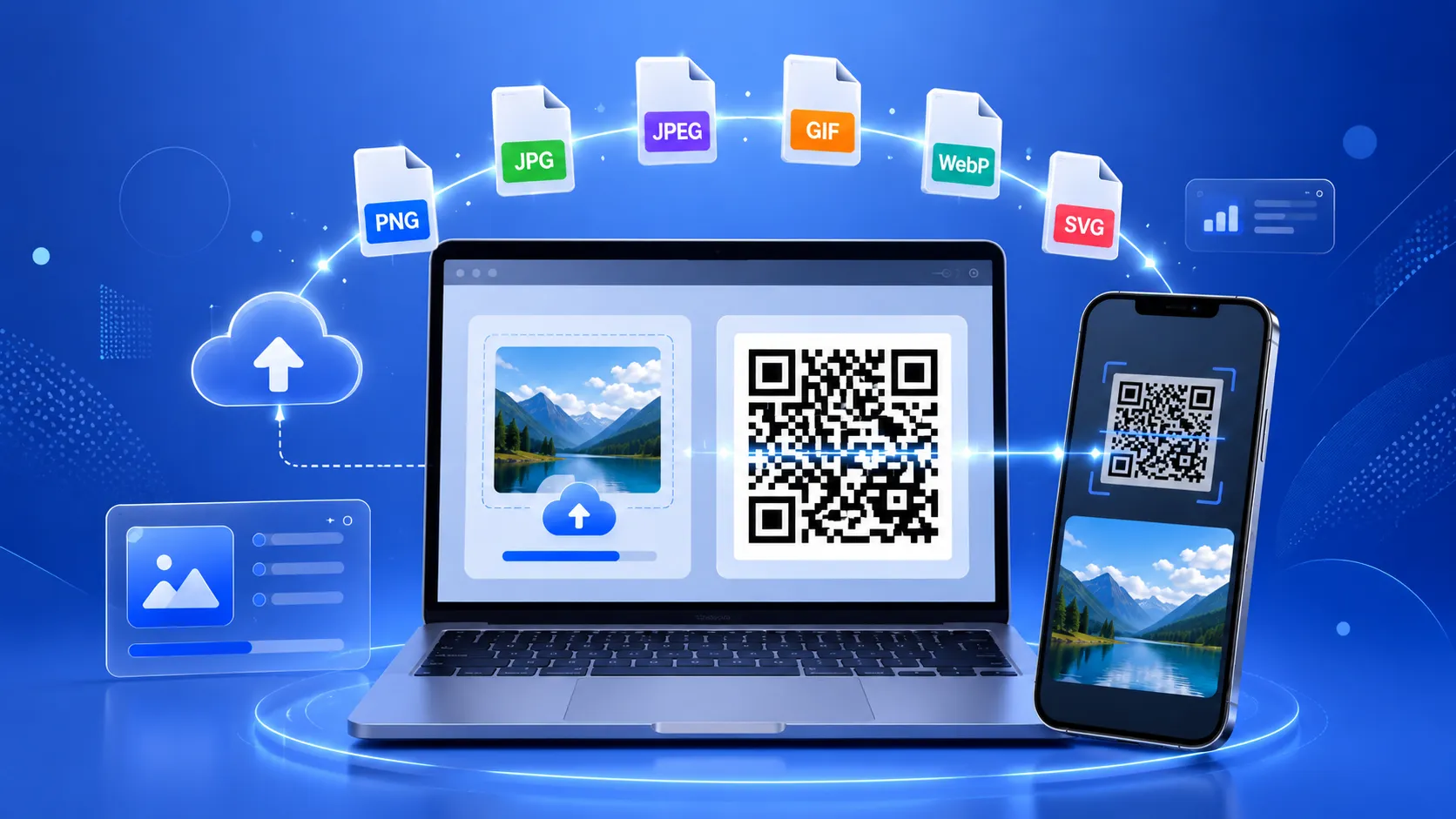
In today's fast-paced digital world, sharing images should be as simple as scanning a code. Whether you're a business owner showcasing products, a photographer sharing your portfolio, a teacher distributing learning materials, or an event organizer providing access to photo galleries, an Image QR Code Generator makes the process quick, convenient, and professional.
Instead of sending long URLs or asking people to search for images online, you can create a QR code that instantly opens an image on any smartphone. With just one scan, users can access high-quality photos, infographics, brochures, product catalogs, or promotional banners without typing a single character.
Using FastQR, you can generate an image QR code for free in just a few clicks. The platform allows you to create QR codes that link to image files such as PNG, JPG, JPEG, GIF, WebP, and SVG, making it an ideal solution for businesses, marketers, educators, designers, and individuals.
Whether you're printing QR codes on business cards, product packaging, posters, restaurant menus, or marketing materials, an Image QR Code helps bridge the gap between offline and online experiences.
What Is an Image QR Code?
An Image QR Code is a Quick Response (QR) code that contains a URL pointing to an online image. When someone scans the QR code using a smartphone camera or QR scanner, the image opens instantly in their default web browser.
Unlike traditional QR codes that direct users to a website or contact information, image QR codes are specifically designed to display visual content. This makes them perfect for sharing photos, product images, artwork, diagrams, promotional graphics, or any other image that you want users to access quickly.
It's important to note that QR codes don't typically store the image itself. Instead, they store the web address (URL) where the image is hosted. This approach keeps the QR code compact and ensures that high-resolution images can be displayed without affecting scan performance.
Example
Imagine you're selling handmade products online. Instead of printing multiple product photos on your packaging, you can simply add an image QR code. Customers scan the code and instantly view a gallery of your products, lifestyle images, or usage instructions.
Why Use an Image QR Code Generator?
Image QR codes have become increasingly popular because they simplify the way visual content is shared. Whether you're communicating with customers, students, or colleagues, QR codes eliminate unnecessary steps and improve the overall user experience.
Here are some of the biggest advantages of using an Image QR Code Generator.
1. Instant Image Access
One of the greatest benefits is convenience. Users no longer need to type long URLs or search for images manually. A quick scan immediately displays the desired image, saving time and reducing friction.
This seamless experience encourages more people to interact with your content, especially during events, exhibitions, or marketing campaigns.
2. Perfect for Print Marketing
Printed materials often have limited space. Instead of overcrowding brochures, posters, or flyers with multiple images, you can include a single QR code that links to a full image gallery or high-resolution visual.
Common print applications include:
- Business cards
- Restaurant menus
- Product packaging
- Flyers
- Posters
- Catalogs
- Product labels
- Event banners
This approach keeps your designs clean while still providing access to rich visual content.
3. Share High-Quality Images Without Compression
Messaging apps and social media platforms often compress images, reducing their quality. By using an Image QR Code, viewers access the original image directly from its source, preserving clarity and detail.
This is particularly beneficial for:
- Photographers
- Graphic designers
- Artists
- Architects
- Interior designers
- Marketing agencies
4. Improve Customer Engagement
Visual content naturally attracts more attention than plain text. QR codes encourage users to interact with your marketing materials by providing an easy way to explore additional images.
For example, a clothing retailer can place QR codes next to products in-store, allowing customers to view lifestyle photos, available color options, or customer reviews.
The easier you make it for customers to access information, the more likely they are to engage with your brand.
5. Save Printing Costs
Large brochures with multiple pages of product images can be expensive to print.
Instead, businesses can print a compact QR code that directs customers to digital image galleries. This not only reduces printing expenses but also allows businesses to update online content without reprinting marketing materials.
6. Works Across Multiple Devices
Modern smartphones have built-in QR code scanners, making image QR codes accessible to almost everyone.
Compatible devices include:
- Android smartphones
- iPhones
- Tablets
- iPads
- Windows devices with QR scanners
Users simply open their camera app, scan the QR code, and view the image instantly.
Static vs. Dynamic Image QR Codes
| Feature | Static QR Code | Dynamic QR Code |
|---|---|---|
| Editable after creation | ❌ No | ✅ Yes |
| Track scan analytics | ❌ No | ✅ Yes |
| Best for permanent images | ✅ Yes | ✅ Yes |
| Marketing campaigns | Limited | Excellent |
| URL can be changed | ❌ No | ✅ Yes |
| Cost | Usually Free | May require premium features |
Static Image QR Codes
A static QR code permanently stores the image URL.
If the image URL changes or the image is deleted, the QR code will stop working.
Static QR codes are ideal for:
- Business cards
- Permanent product labels
- Educational materials
- Documents
Dynamic Image QR Codes
Dynamic QR codes store a short redirect URL instead of the final destination.
This allows you to:
- Replace images anytime
- Update campaigns
- Track scans
- Monitor user engagement
- Change destinations without reprinting QR codes
Businesses running seasonal promotions or advertising campaigns often prefer dynamic QR codes because they offer greater flexibility.
Best Industries Using Image QR Codes
Image QR codes are now used across almost every industry.
Let's look at some practical examples.
E-commerce
Online stores use image QR codes to showcase:
- Product galleries
- Size charts
- Installation images
- Customer photos
- Before-and-after comparisons
Instead of printing multiple product photos on packaging, brands simply add a QR code.
Restaurants
Restaurants use image QR codes to display:
- Food photographs
- Combo meals
- Daily specials
- Dessert menus
- Beverage options
Customers can browse colorful menu images directly on their phones before placing an order.
Real Estate
Property agents use QR codes to link buyers to:
- Property photo galleries
- Interior images
- Floor plans
- Virtual tours
- Neighborhood highlights
This provides potential buyers with a richer viewing experience without requiring printed brochures.
Education
Teachers and educational institutions use image QR codes to share:
- Science diagrams
- Maps
- Infographics
- Classroom activities
- Historical photographs
Students simply scan and access visual learning materials instantly.
Healthcare
Hospitals and clinics use image QR codes for:
- Medical illustrations
- Health awareness posters
- Exercise demonstrations
- Patient education materials
Visual content often improves patient understanding compared to text alone.
Events
Event organizers frequently use image QR codes to provide:
- Event schedules
- Venue maps
- Photo galleries
- Speaker profiles
- Exhibition layouts
After the event, the same QR code can link attendees to official event photographs.
Photography
Professional photographers use QR codes on:
- Business cards
- Wedding albums
- Portfolio books
- Studio displays
- Exhibition banners
Clients can instantly browse complete portfolios after scanning.
Manufacturing
Manufacturers often include image QR codes on products to display:
- Assembly diagrams
- Replacement parts
- Safety instructions
- Product illustrations
- Maintenance procedures
This reduces printing costs while improving customer support.
Why Choose FastQR for Image QR Codes?
There are many QR code generators available online, but choosing the right one can make a significant difference in terms of speed, ease of use, and output quality.
FastQR is designed to provide a simple, fast, and reliable experience for creating Image QR Codes.
Here's why users choose FastQR:
- Free to use with no complicated setup.
- Generate QR Codes instantly in just a few clicks.
- Supports popular image formats including PNG, JPG, JPEG, GIF, WebP, and SVG.
- Download in multiple formats such as PNG, SVG, and PDF.
- Responsive design that works smoothly on desktops, tablets, and smartphones.
- High-quality output suitable for both digital sharing and professional printing.
- Fast generation process with a user-friendly interface.
- Ideal for businesses, educators, marketers, photographers, and creators.
Whether you're sharing a product gallery, portfolio, menu, infographic, or promotional graphic, FastQR helps you create professional QR Codes quickly and efficiently.
Frequently Asked Questions (FAQs)
1. What is an Image QR Code?
An Image QR Code is a QR code that links to an online image. When scanned with a smartphone or QR code scanner, it opens the image instantly in a web browser.
2. Can I create an Image QR Code for free?
Yes. FastQR allows you to generate Image QR Codes online for free without requiring technical skills or software installation.
3. Which image formats are supported?
FastQR supports links to common image formats, including:
- PNG
- JPG
- JPEG
- GIF
- WebP
- SVG
4. Can I print an Image QR Code?
Absolutely. You can download your QR Code in PNG, SVG, or PDF format, making it suitable for business cards, brochures, posters, packaging, and other printed materials.
5. Do Image QR Codes expire?
Static Image QR Codes do not expire as long as the linked image remains available at the same URL. If the image is removed or the URL changes, the QR Code will no longer work.
6. Can I customize my Image QR Code?
Yes. Depending on the available features, you can customize colors, add a logo, change eye patterns, and apply branded frames while ensuring the QR Code remains scannable.
7. Are Image QR Codes safe?
Yes, Image QR Codes are safe when they link to trusted and secure websites. Always verify the destination URL before sharing or printing your QR Code.
8. Can I use an Image QR Code for my business?
Yes. Businesses commonly use Image QR Codes for product catalogs, restaurant menus, marketing campaigns, event promotions, packaging, and customer support materials.
9. Which QR Code format is best for printing?
For high-quality printing, SVG is the preferred format because it is vector-based and remains sharp at any size. PDF is also an excellent choice for professional print projects, while PNG works well for digital use.
10. Why should I choose FastQR?
FastQR offers a fast, free, and user-friendly solution for creating Image QR Codes. With support for multiple download formats and a simple interface, it's an excellent choice for both personal and business use.
Conclusion
Image QR Codes have become an essential tool for businesses, educators, marketers, photographers, and individuals who want to share visual content quickly and professionally. Instead of relying on lengthy URLs or file attachments, a simple scan gives users instant access to images from any smartphone.
Whether you're promoting products, sharing portfolios, enhancing restaurant menus, or distributing educational materials, an Image QR Code improves accessibility and engagement while keeping your printed materials clean and uncluttered.
With FastQR, creating an Image QR Code is quick, free, and hassle-free. In just a few clicks, you can generate a high-quality QR Code, download it in your preferred format, and start sharing your images with the world.